Credential Designs: Render Variants
Catalog id: resource.credentialDesigns.render-variants
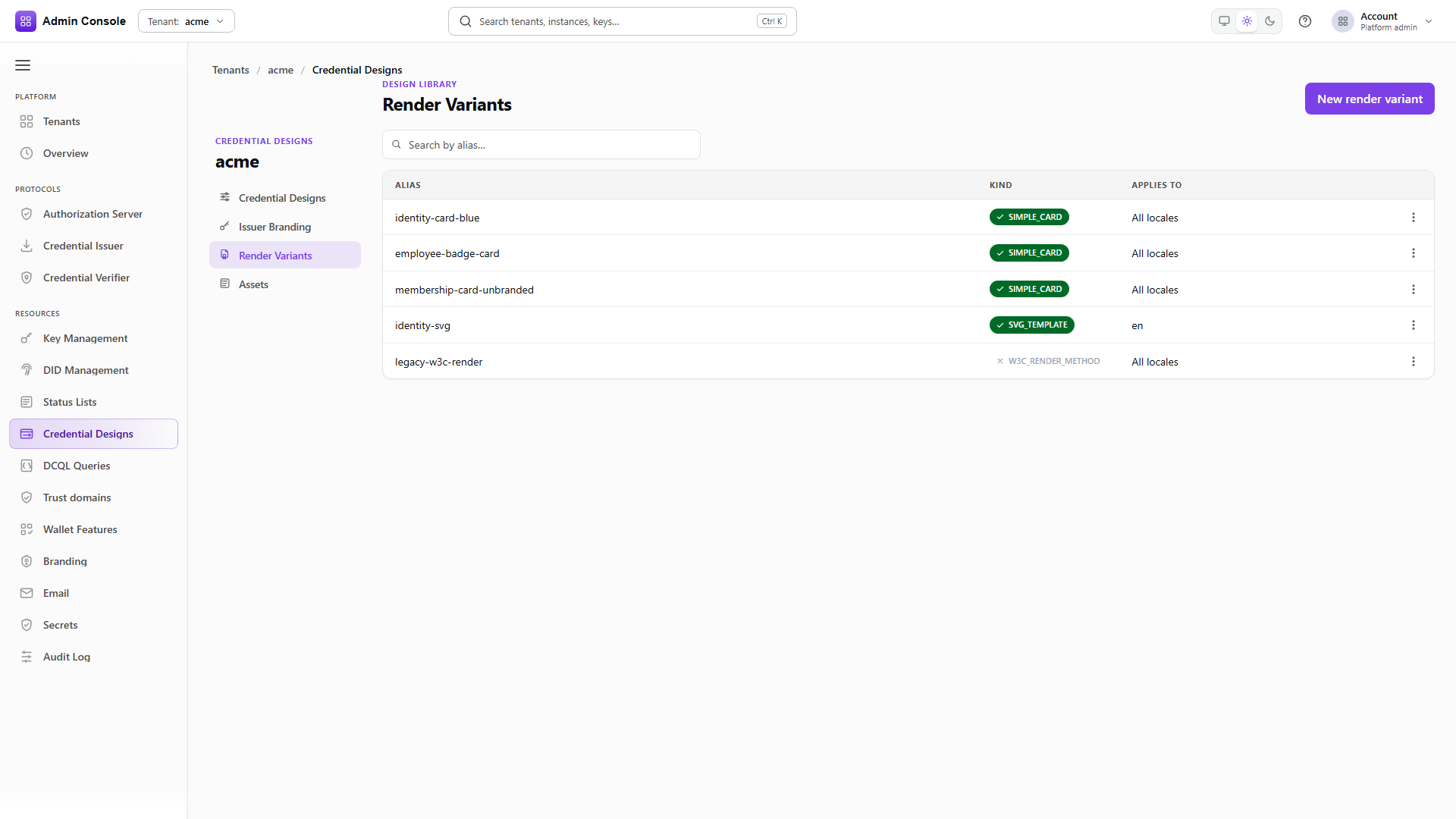
A render variant describes how a credential is drawn in a wallet: its colours, logo, background, or a full SVG template. Variants live in the tenant library rather than inside a design, so several designs can attach the same card and a change to it reaches all of them.
Attaching is a separate act from creating. A variant sitting in the library affects nothing until a design prefers it for a locale, which is why the sequence below creates two variants and then attaches them in one call.
Audience: tenant administrator.
Guide: Credential designs.
Kinds and locales
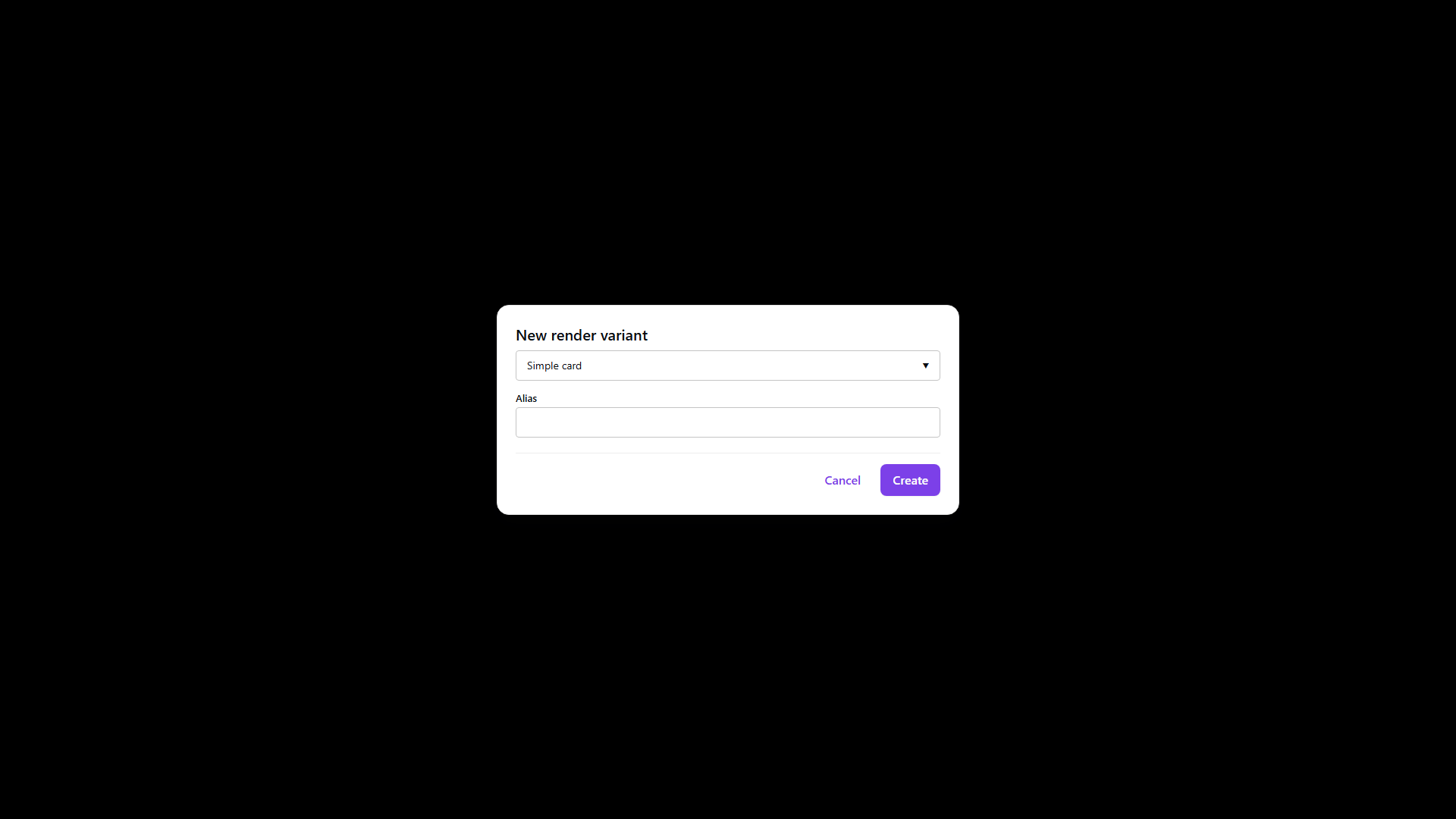
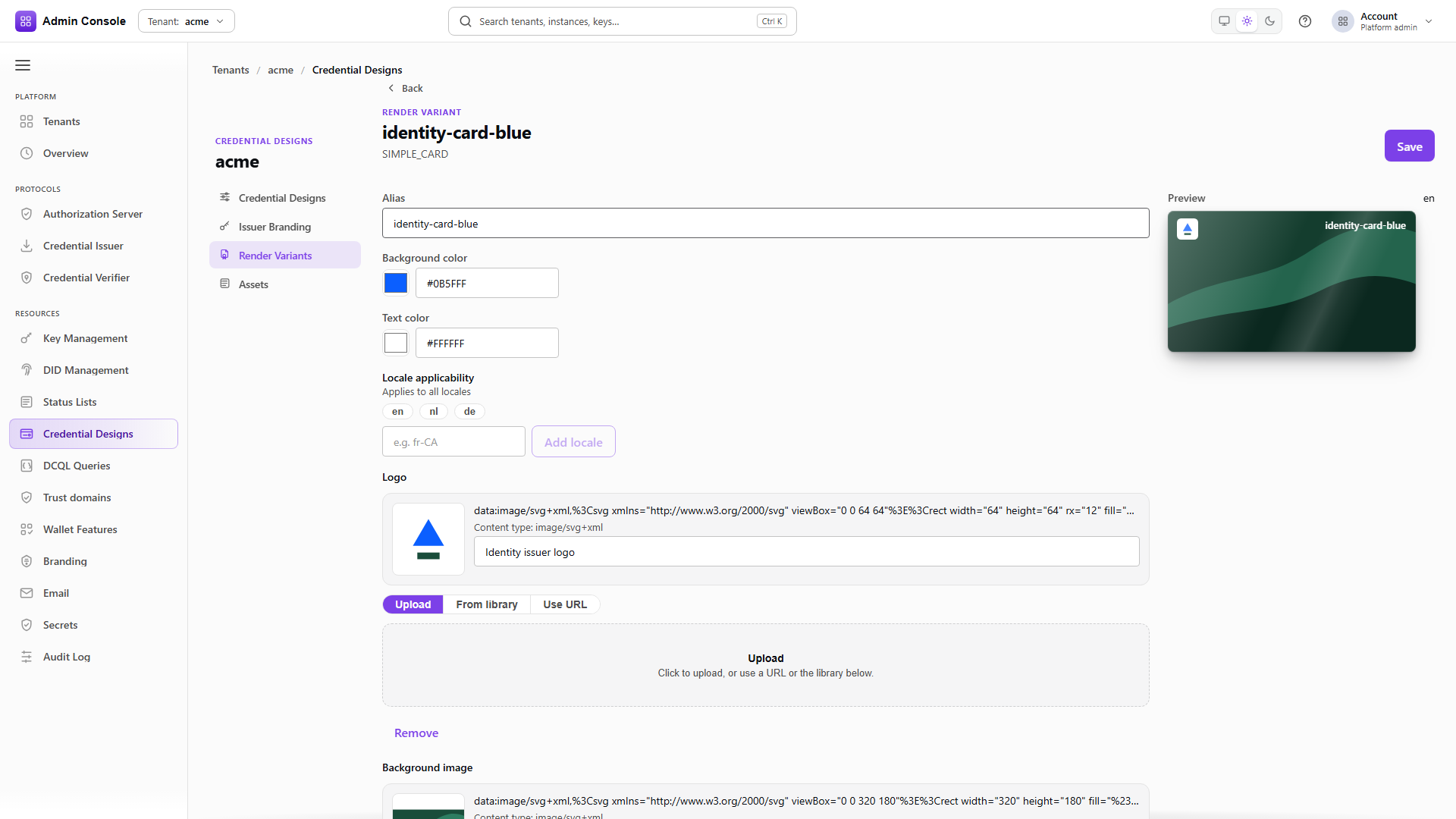
The console authors two kinds. SIMPLE_CARD is colours plus a logo and an optional background image
taken from the asset library. SVG_TEMPLATE points at a template asset you upload under
Assets first. Other kinds appear when they arrive from an import, and those open
read-only so nothing is lost by viewing them.
localeApplicability decides which locales a variant may serve. A variant limited to en cannot be
preferred for nl, which is how one design ends up carrying a different card per language. Deleting
a variant a design still prefers for a locale leaves that locale without a card, so check the
design's Render tab before removing anything.
Creating and attaching
- Admin Console
- Request
- Response
- Try it
A simple card carries its colours directly and refers to its logo by asset URI with an integrity
hash, so the image lives in the asset library rather than inside the variant. localeApplicability
is set at create time and is what limits this card to English.
The response returns the variant id. Keep it, because attaching is done by id rather than by alias.
Create the sibling for another locale
POST/api/credential-design/v1/designs/render/variants201 Created- Admin Console
- Request
- Response
- Try it
The Dutch card is a separate variant with the same shape and a different localeApplicability. Both
reference the same logo asset, which is the reason assets are kept separate from variants.
Attach them to a design
PUT/api/credential-design/v1/designs/credentials/00000000-0000-4000-8000-000000000000200 OK- Admin Console
- Request
- Response
- Try it
Attaching replaces the design's display block, so send the full set of locales you want rather than
only the one you are changing. Each entry names the locale, the display name and description a holder
sees, and preferredRenderVariantIds for that locale.
Until this call succeeds the variants exist but no credential uses them.
Full schema: Credential design API.