Credential designs
A credential design is the tenant-owned definition of a credential type: the wire format it uses, the identifier wallets and issuers match on, the claims it carries and which of them may be selectively disclosed, how labels read per locale, and which cards a wallet may draw for it.
Designs feed issuer metadata as credential_configurations_supported, feed issuance templates, and
drive wallet display. A design is a definition, not an issued credential.
Audience: tenant administrator, or a platform operator working in tenant context.
Prerequisites: Onboard a tenant, and usually Keys and DID for the signing material real issuance needs. REST calls need a tenant-scoped token.
Postman correlation: In the canonical EDK Enterprise collection, run 11 Credential Designs. Start with 01 Create EuPid SD-JWT design or 06 Create Mdl mdoc design, then carry the response-derived design id and version into issuer configuration. Branding is explicit: 02 uploads the EuPid logo, 03 and 04 create its English and Dutch render variants, and 05 attaches them; the mdoc lane is 07 through 09. 10 List credential designs confirms the result. This guide is the documentation counterpart of that folder.
- Admin Console
- REST
Use Resources > Credential Designs to create the design, then review its binding, claims, localization and render variants in the workbench. The design is a definition until an issuer configuration uses it.
Use the Credential design API for repeatable writes and reads. The response-derived design id, version and binding values are the inputs to issuer setup. The Developer Console and its profile Postman collection expose the same contract where the tenant policy permits it.
- Overview
- Request
- Response
List credential designs
Endpoint: GET /api/credential-design/v1/designs/credentials
Captured response: 200 OK
This captured endpoint is shown from the E2E run; it is not mapped to one of the generated EDK REST API reference pages.
Connect an environment to rewrite this call to real service bases and run it.
Four libraries, and the order they go in
Designs are assembled from three other libraries, and the dependencies run one way. An asset must exist before a render variant can point at it, a variant must exist before a design can prefer it, and an issuer design can carry its own card built the same way. So the working order is: upload assets, build variants, create issuer branding if the authority needs its own face, then create the credential design and attach variants to it.
Sharing is the reason this is worth understanding. Variants and assets are tenant-level objects, so editing one changes every design that references it. When only one product line should change, clone the variant rather than editing the shared one.
Read the response, not the request
Create and update responses are authoritative for the design id, its version, the content hash, and any asset or render-variant URI that came back. Use those values in later calls and in issuer configuration rather than deriving ids from aliases.
A design being visible in the library does not make it issuable. Its binding, claims, signing selector and status profile all have to validate together first, which is why a design can look finished and still be refused at issuance.
Building a credential type
- Admin Console
- Request
- Response
- Try it
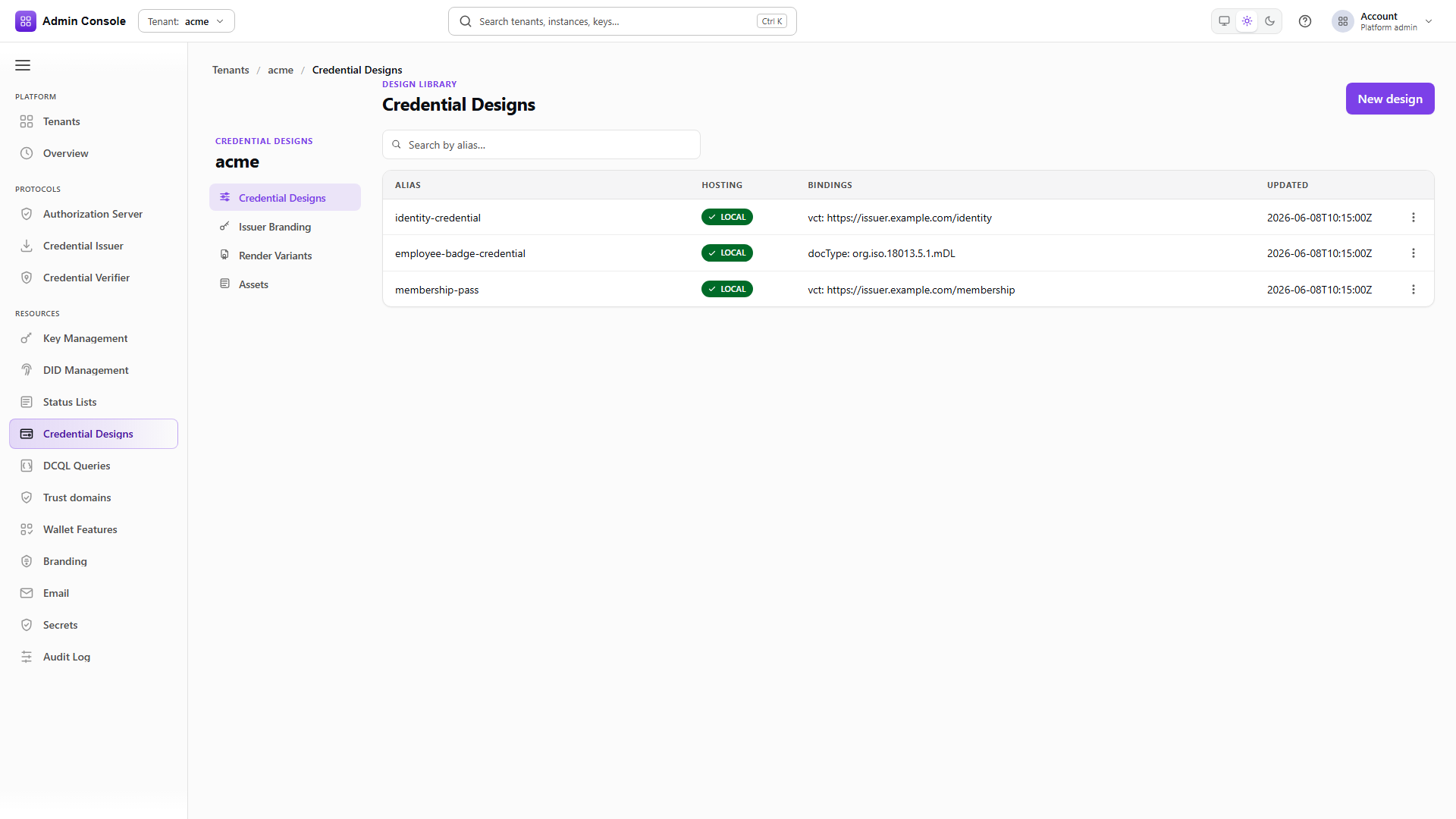
Resources > Credential Designs > Credential designs is the inventory: one row per type, with alias, hosting mode and a summary of the primary binding. An empty list is normal on a clean production tenant, because designs only appear if someone created them or sample data seeded them.
Upload the assets first
POST/api/credential-design/v1/designs/credentials/00000000-0000-4000-8000-000000000000/assets/en/LOGO201 Created- Admin Console
- Request
- Response
- Try it
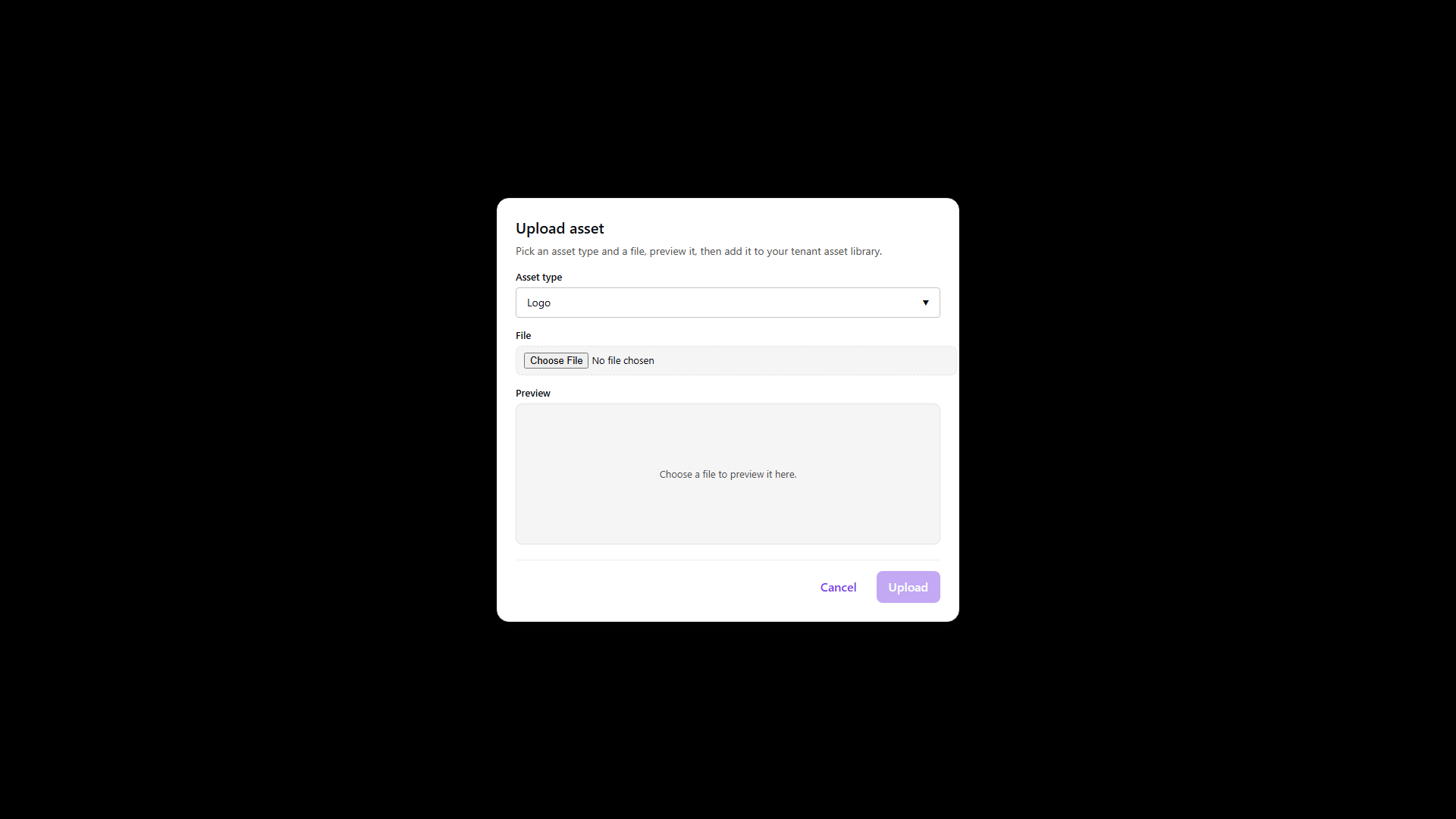
Assets are content addressed, so the same file uploaded twice returns one URI. The response carries that URI and an integrity hash, and those go onto variants rather than onto designs directly.
Upload before you expect logos on cards, and prefer compact PNG or SVG that renders at card size. Wallets fetch these anonymously, so an asset must stay reachable as long as any issued credential references it.
- Admin Console
- Request
- Response
- Try it
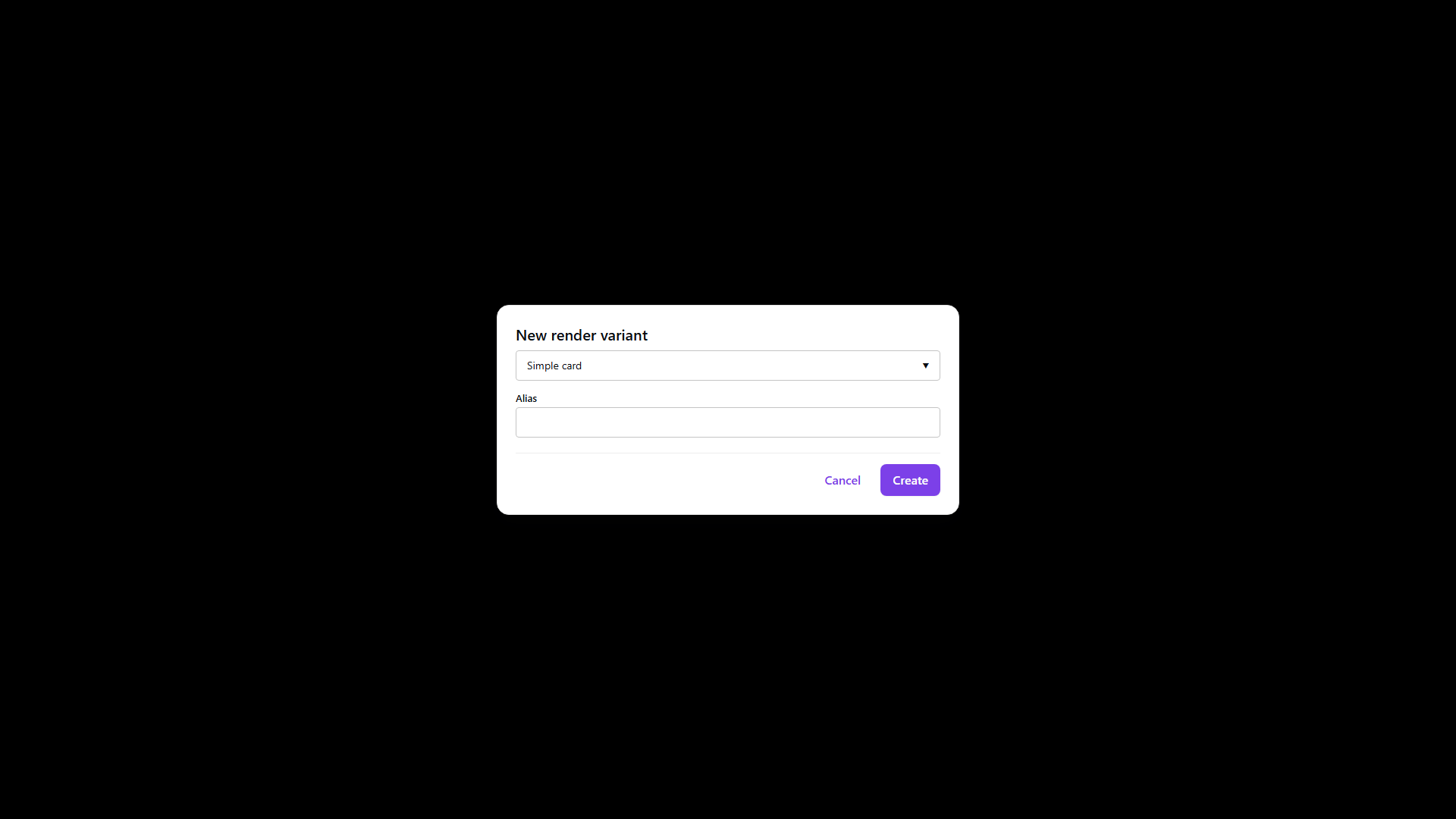
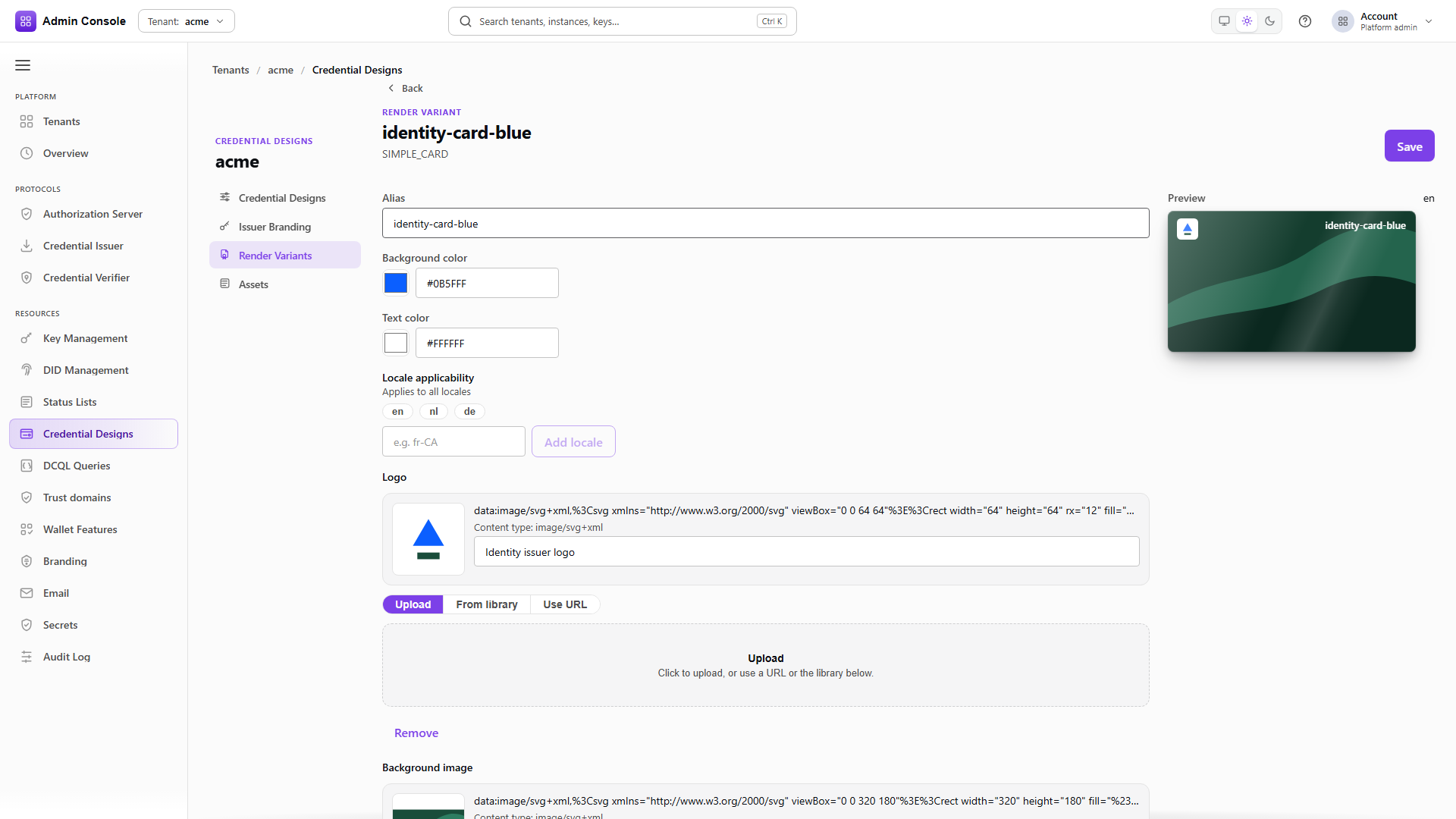
A simple card carries colours plus the logo URI from the previous step, and localeApplicability
limits which locales it may serve.
And its sibling for the second locale
POST/api/credential-design/v1/designs/render/variants201 Created- Admin Console
- Request
- Response
- Try it
The Dutch card is a separate variant pointing at the same asset. Two variants exist so that English and Dutch holders can see different art where you intend that; if one card suits both, give a single variant both locales instead.
- Admin Console
- Request
- Response
- Try it
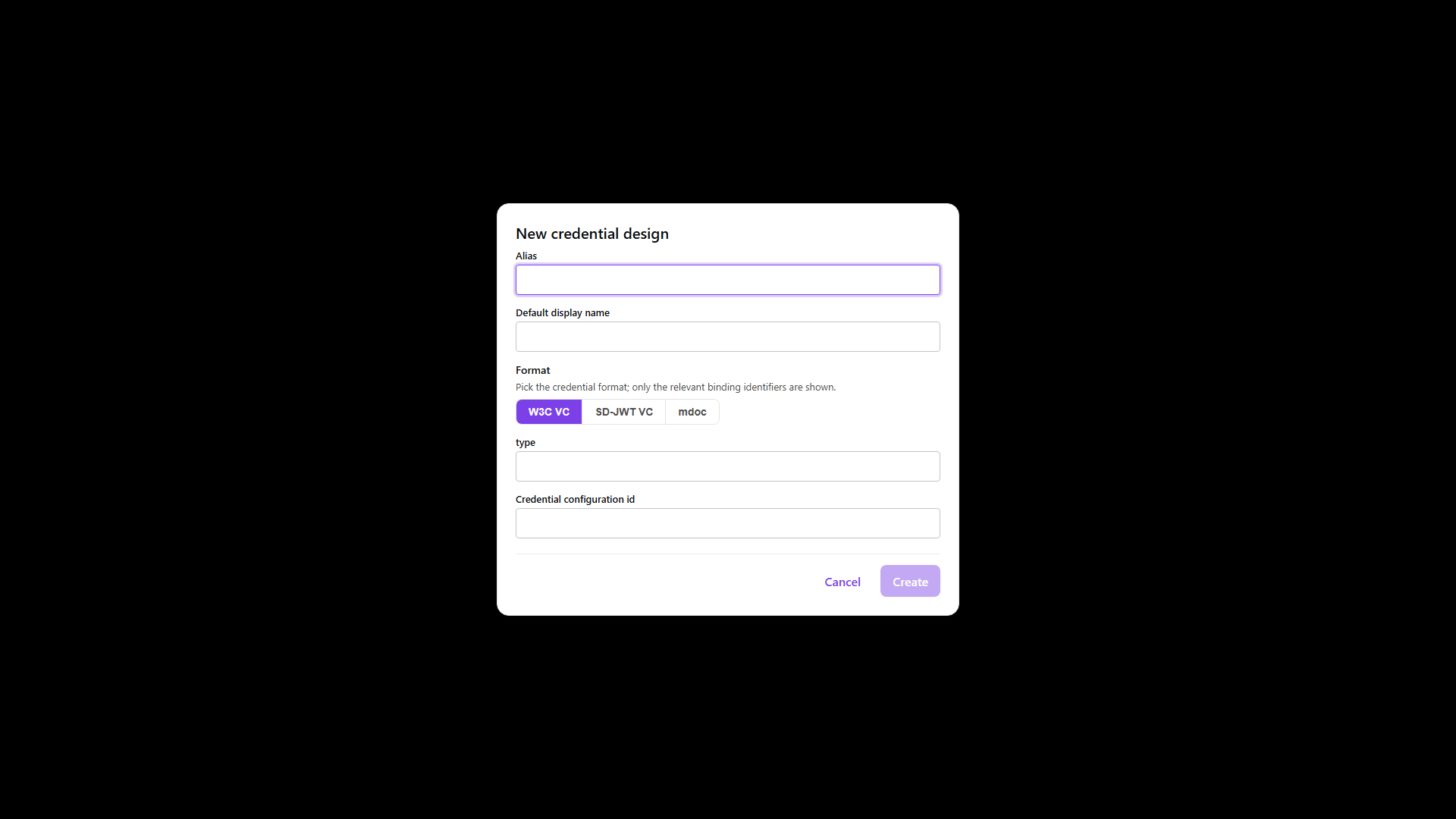
The create dialog asks only for identity and then opens the workbench. Over REST the whole design
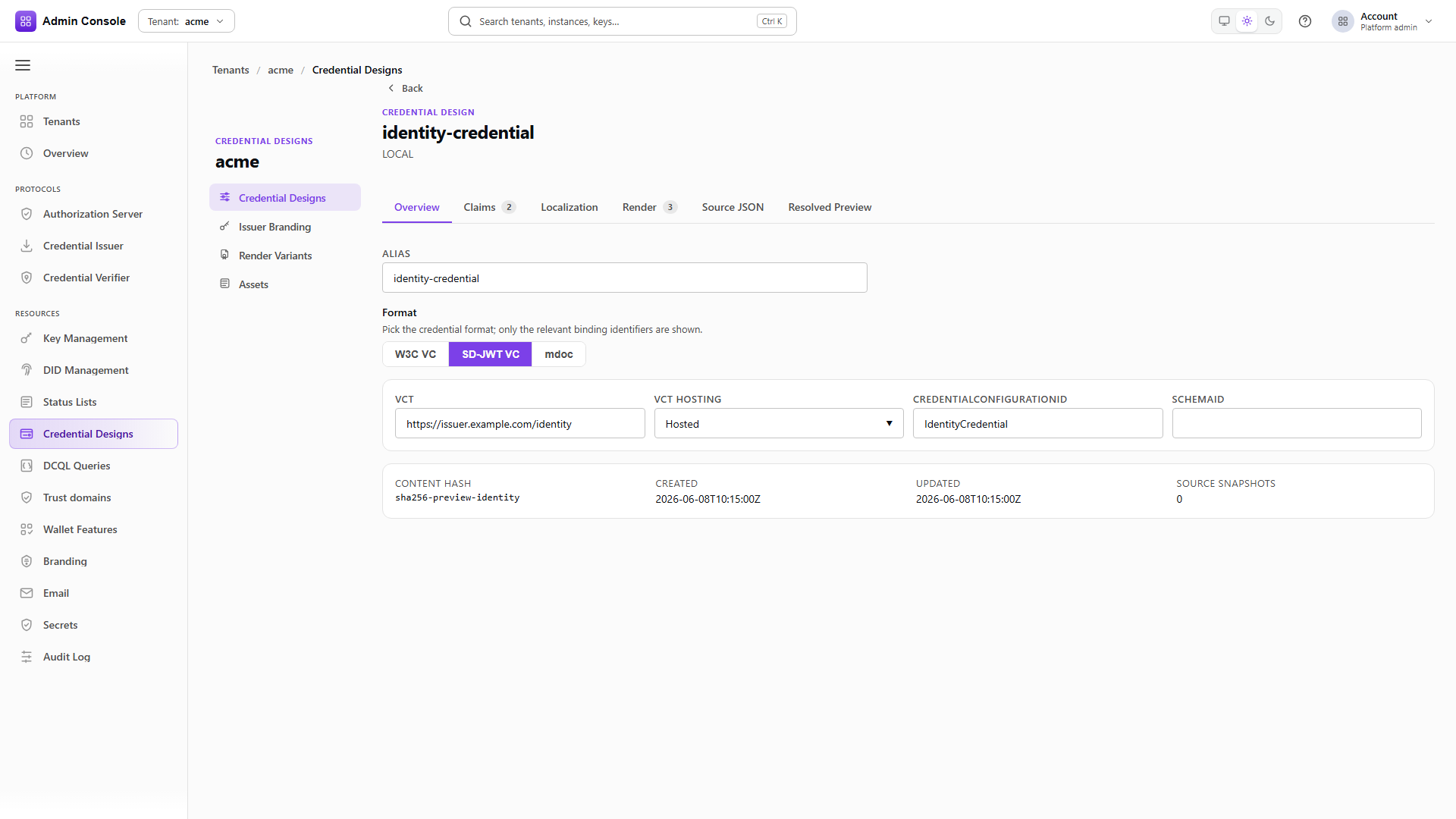
document goes in one call. This example is SD-JWT VC: the binding carries the vct, its hosting
mode, the credentialConfigurationId advertised in OID4VCI metadata, and the issuer it belongs to.
The alias is the tenant-internal handle used by operators and automation, so keep it stable. The format decides which primary identifier applies, and that identifier is what wallets match on, which makes changing format later a decision about whether existing claim paths and matching still hold.
Attach the cards
PUT/api/credential-design/v1/designs/credentials/00000000-0000-4000-8000-000000000000200 OK- Admin Console
- Request
- Response
- Try it
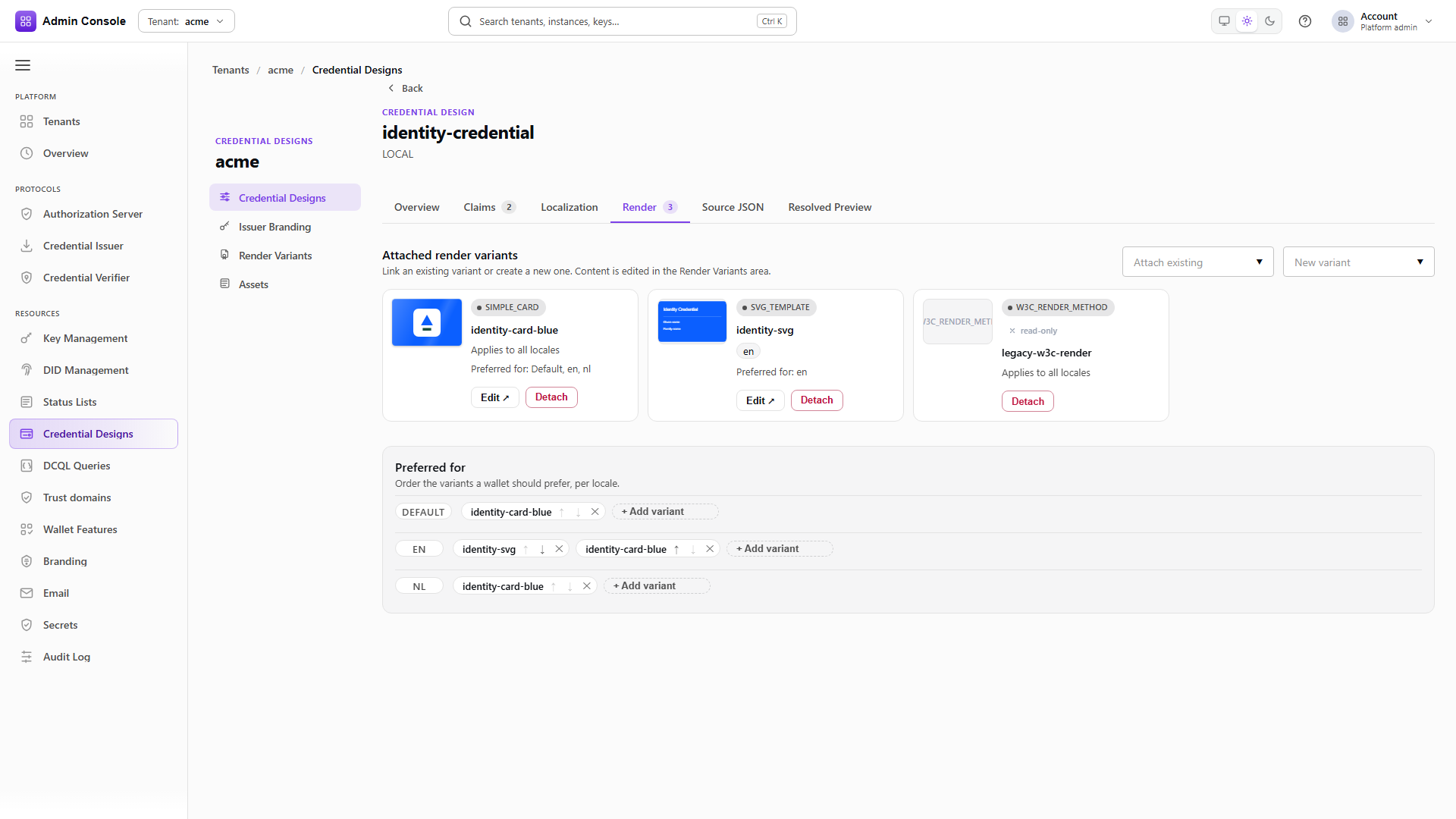
Attaching replaces the design's display block, so send every locale you want to keep rather than only the one you are adding. Each entry names the locale, the name and description a holder sees, and the preferred variant ids for that locale.
- Admin Console
- Request
- Response
- Try it
The mdoc design follows the same shape with an ISO docType such as org.iso.18013.5.1.mDL instead
of a vct. Claim paths use the ISO namespace, and binary claims like a portrait need the right value
kinds or the credential will not encode.
- Admin Console
- Request
- Response
- Try it
Cards work identically across formats. Nothing about the render variant depends on whether the credential is SD-JWT or mdoc.
Attached the same way
PUT/api/credential-design/v1/designs/credentials/00000000-0000-4000-8000-000000000000200 OK- Admin Console
- Request
- Response
- Try it
Same call, same replace-the-set behaviour.
Full schema: Credential design API.
The workbench tabs
Overview holds identity and the format binding, plus read-only metadata such as the content hash once the design is saved.
Claims is the data model: paths, value kinds, widget hints, and the selective-disclosure policy where the format supports it. Add only claims you will actually populate at issuance or accept from a source system. Disclosure needs judgement in both directions, since over-disclosing defeats the privacy the format exists to provide, while under-disclosing blocks verifiers that legitimately need a claim. Nested claims form a tree whose paths must match what issuers and verifiers expect.
Localization holds names, descriptions and claim labels per locale, with the default locale as fallback. Add the locales your holders actually use; incomplete localization shows up as missing or English-only labels at presentation time.
Render sets the preferred variant per locale. Source JSON exposes the raw document for import and export style edits, and Resolved preview shows the effective design for one locale after inheritance, which is the tab to check when a label is not appearing where you expect it.
Issuer branding
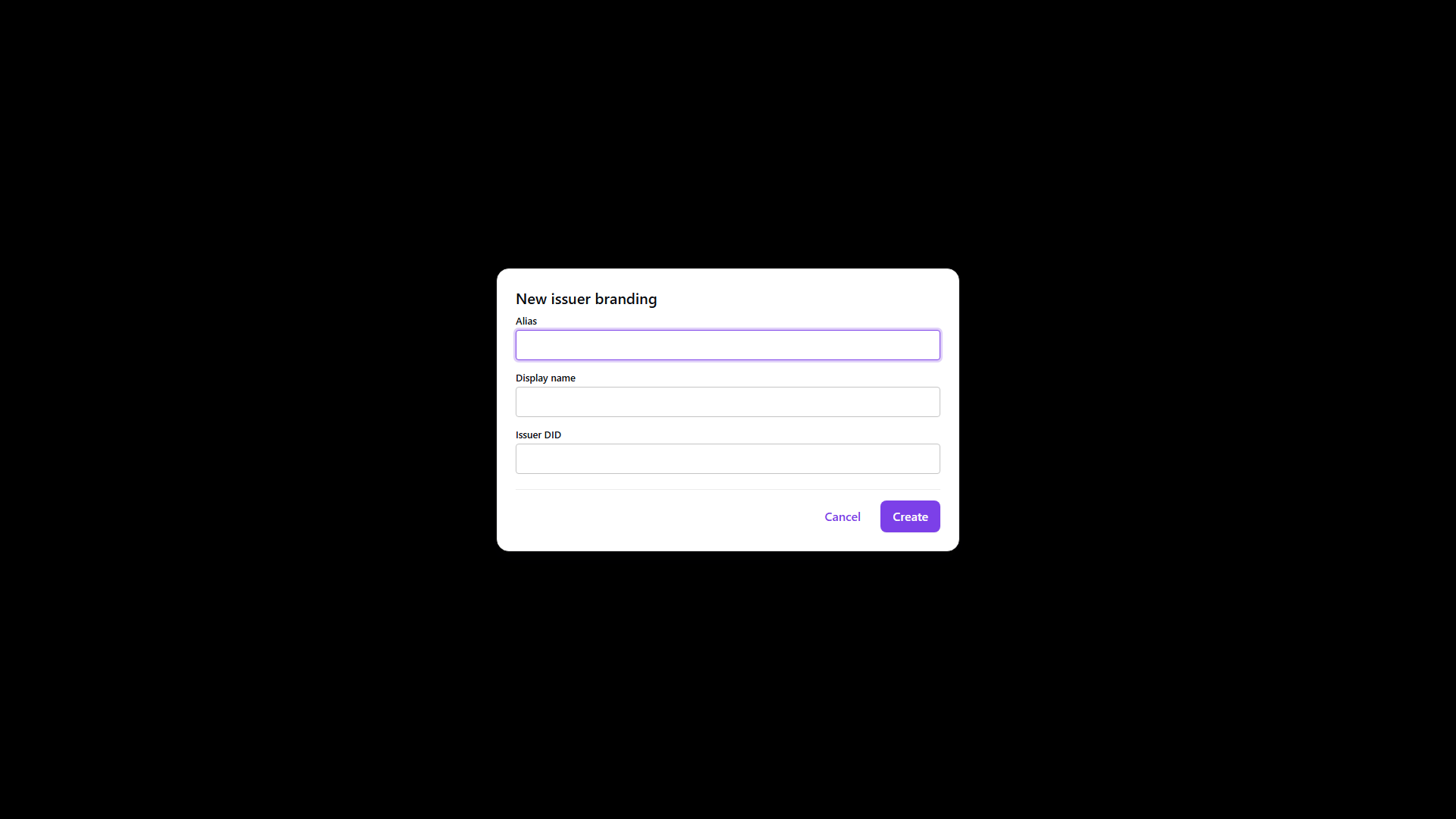
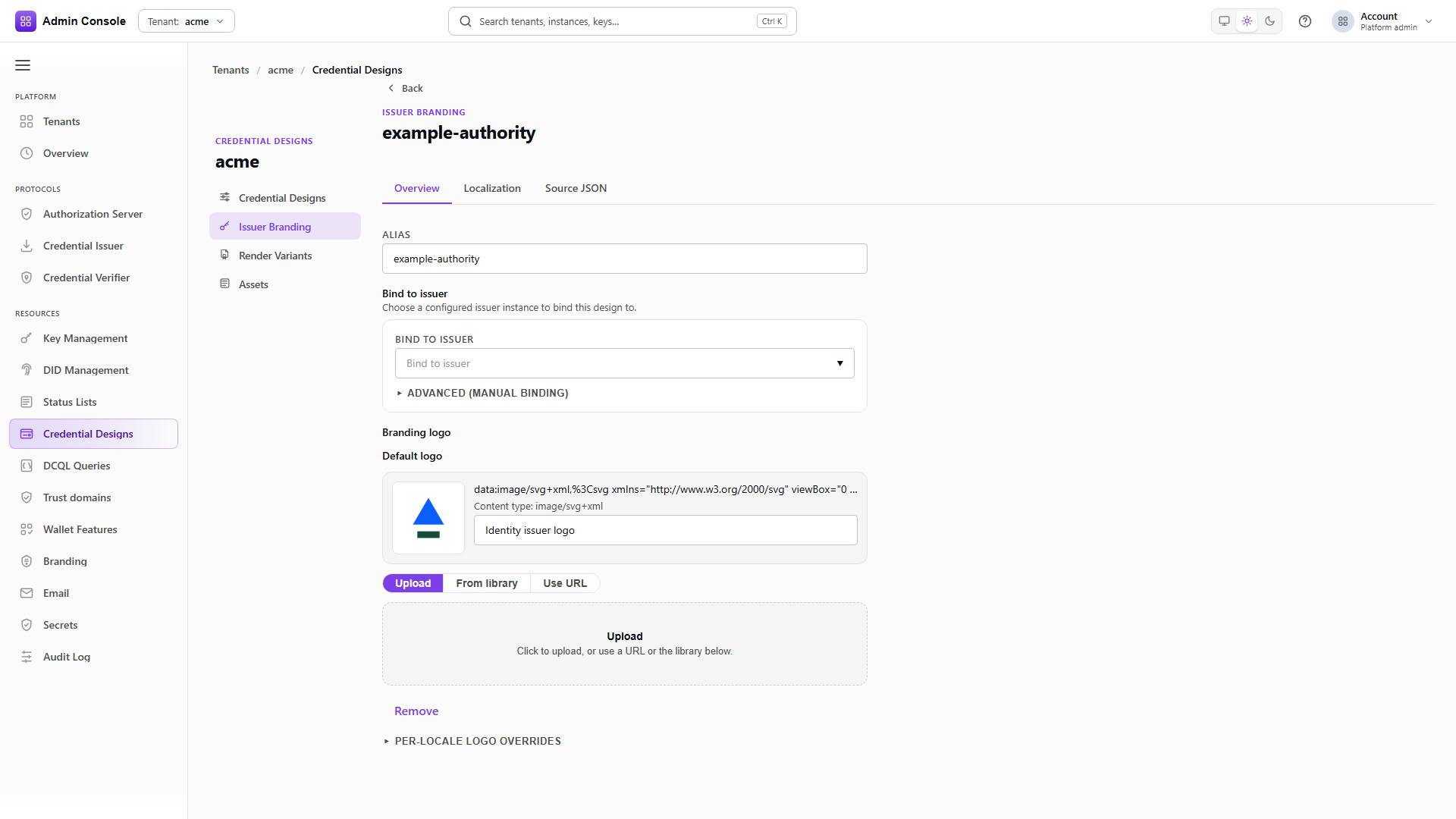
An issuer design is the face of the issuing organisation rather than a credential type, and every credential type pointing at it shares that face. Bind it to the correct issuer DID, because a wrong binding makes a wallet display a name that does not correspond to the key that signed the credential.
- Admin Console
- Request
- Response
- Try it
Bindings carry the issuer DID, id and URI together. Create this when sample data did not seed it, or when a second issuer instance needs its own public name.
Upload its logo
POST/api/credential-design/v1/designs/credentials/00000000-0000-4000-8000-000000000000/assets/en/LOGO201 Created- Admin Console
- Request
- Response
- Try it
The same content-addressed asset mechanism. A logo already uploaded for a credential design comes back with the same URI.
- Admin Console
- Request
- Response
- Try it
An ordinary render variant, here applying to both en and nl so one card covers both languages.
- Admin Console
- Request
- Response
- Try it
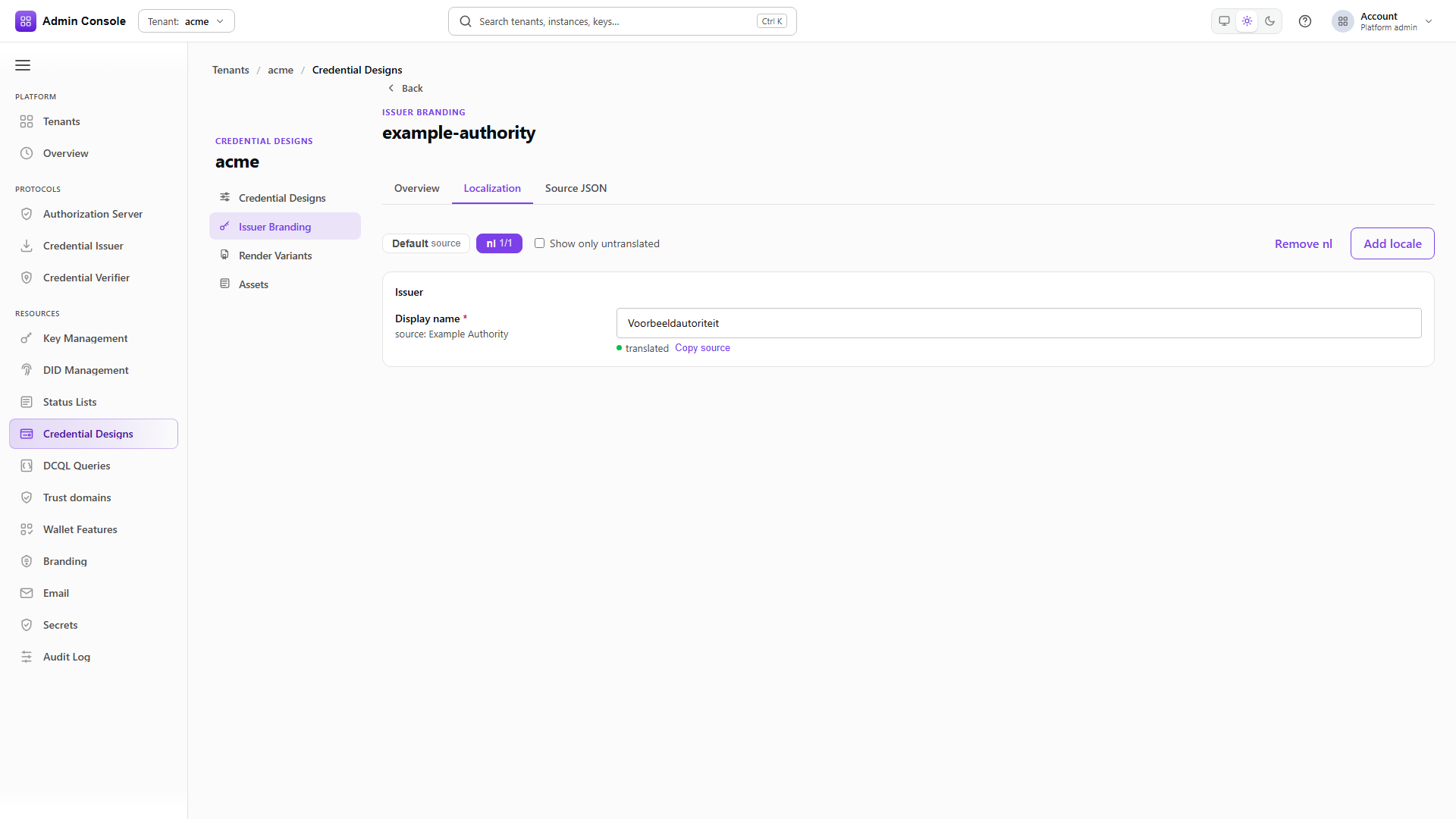
Attaching takes variant ids and replaces the set, so include every variant the issuer design should keep.
Format notes
SD-JWT VC needs a stable vct and a credentialConfigurationId that will appear in OID4VCI
metadata, with selective-disclosure policies matching the credential's privacy profile.
mdoc needs an ISO docType and ISO namespace claim paths.
W3C VCDM 1.1 and 2.0 require choosing the version explicitly. The 1.1 context and terms differ from
2.0, and @context, type, issuer, subject, validity and status declarations have to stay
internally consistent. A design mixing contexts, or leaving a required type or binding unresolved,
stays non-issuable rather than being quietly downgraded to another version.
The captured examples on this page cover SD-JWT VC and mdoc. For W3C VCDM the same console and REST operations apply, and the credential design reference carries the schema; this guide does not claim a captured W3C response.
After designs
Add Status lists and revocation if the credentials need to be revocable, then move to Issue credentials.
Related
Credential designs reference, Issuer Branding, Render variants, Assets