Credential Designs: Issuer Branding
Catalog id: resource.credentialDesigns.issuer-designs
An issuer design is how the issuing organisation appears to holders and verifiers: the name they see, a description, a logo, and an optional card for issuer-level presentation. It describes the authority, not a credential type, and several credential designs can reference the same issuer design so they share one face.
The binding is the part worth care. An issuer design names the issuer DID and instance it belongs to, and that is what ties the brand to the keys that actually sign. Bind the wrong DID and a wallet will confidently show a name that does not correspond to the signature on the credential, which is a worse failure than showing nothing.
Audience: tenant administrator.
Guide: Credential designs.
Create identity first, then dress it
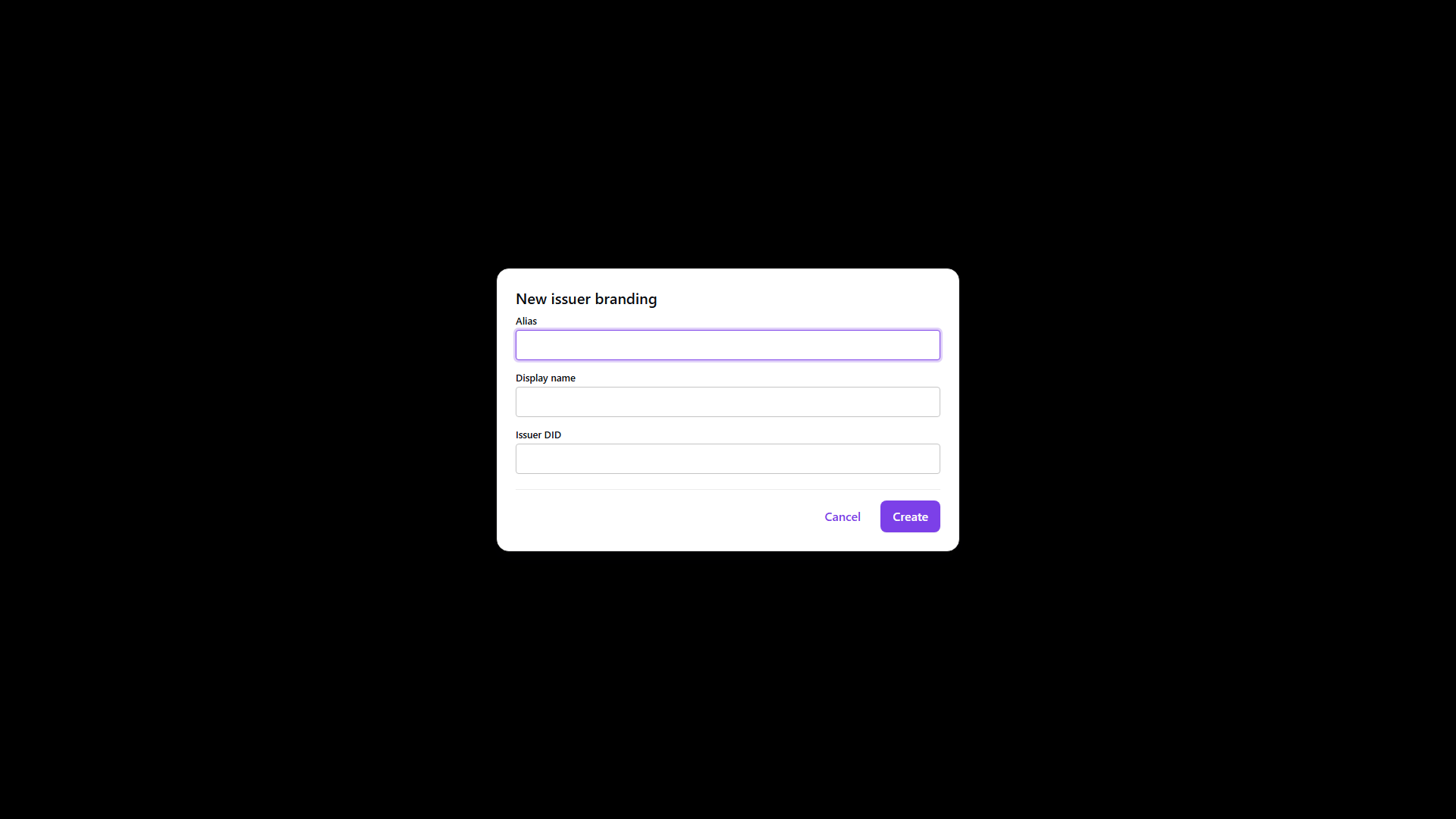
Creating an issuer design registers its identity: an alias for operators and automation, the
display name holders read, and the bindings that connect it to an issuer DID, id and URI. Everything
visual comes afterwards, and in a deliberate order, because a card cannot reference a logo that has
not been uploaded and an issuer design cannot prefer a card that does not exist.
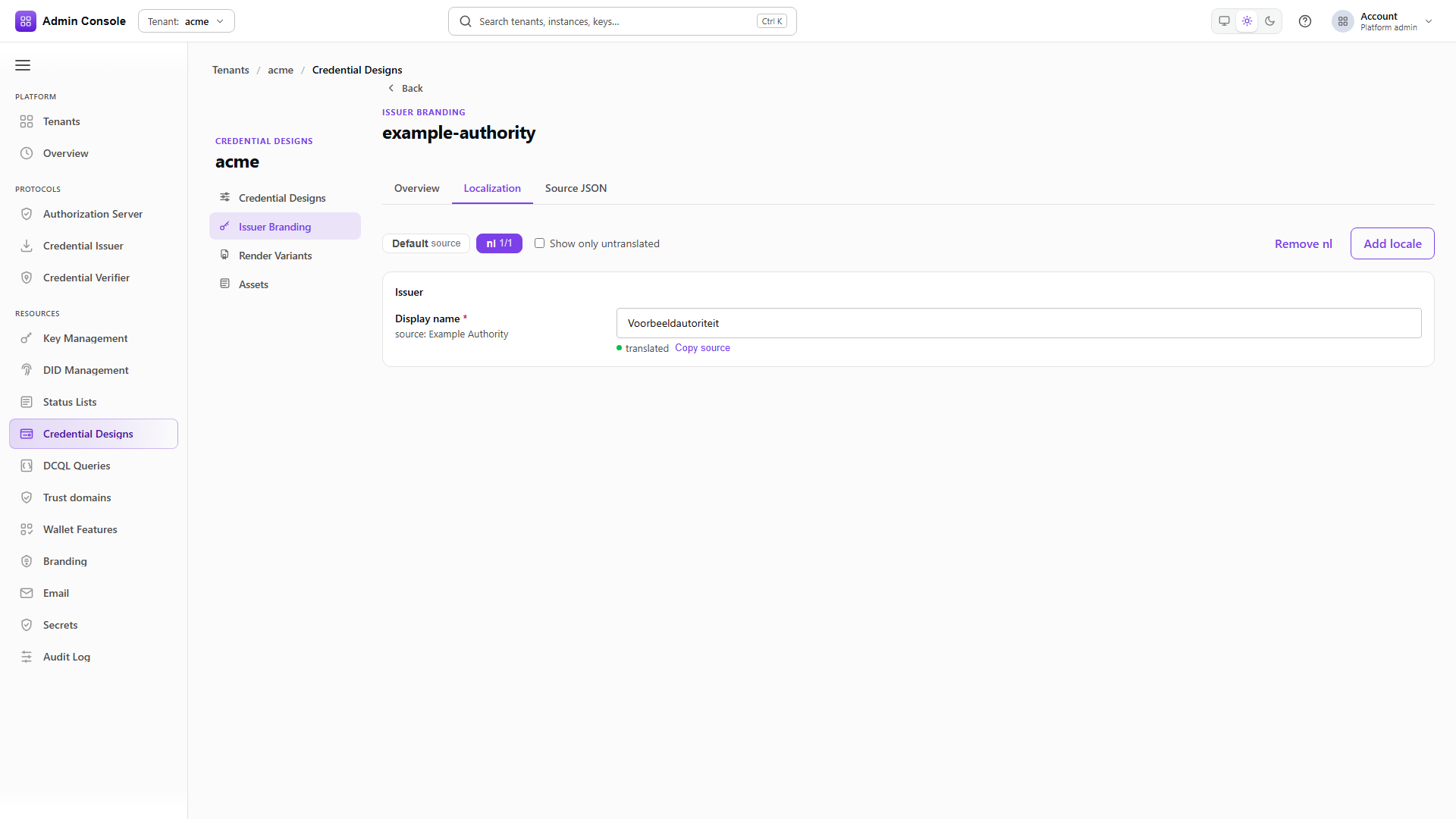
So the sequence is upload the asset, create a variant that points at it, then attach that variant to the design. Localization is edited on the workbench and falls back to the default locale wherever a translation is missing, which means a partly translated design still renders rather than showing gaps.
Building the issuer face
- Admin Console
- Request
- Response
- Try it
The bindings block carries issuerDid, issuerId and issuerUri together. hostingMode decides
whether the tenant hosts the resulting document itself. The response returns the design id, which the
attach step needs.
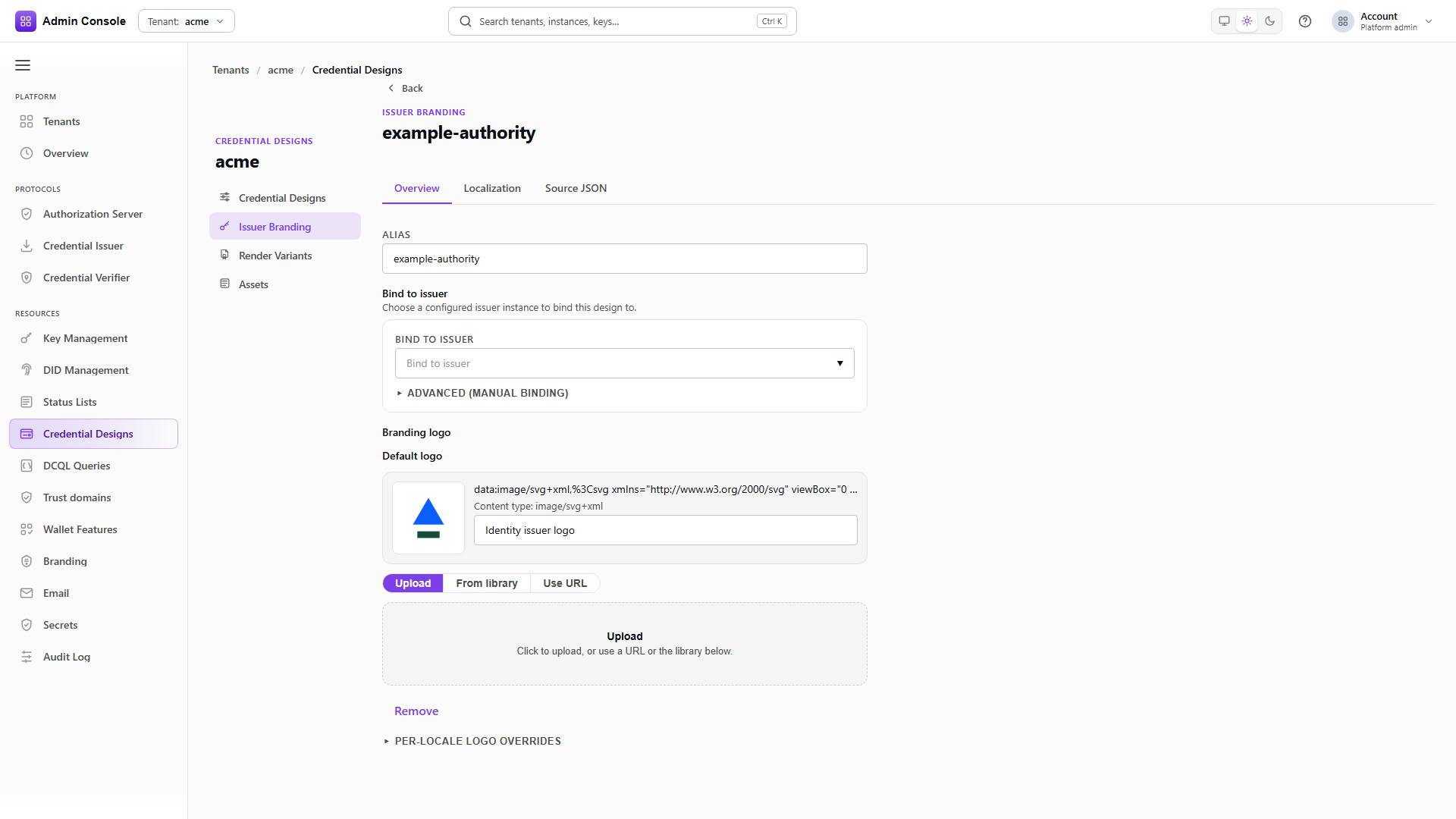
Upload the logo
POST/api/credential-design/v1/designs/credentials/00000000-0000-4000-8000-000000000000/assets/en/LOGO201 Created- Admin Console
- Request
- Response
- Try it
The upload returns a content-addressed URI and an integrity hash. Assets deduplicate across the tenant, so a logo already uploaded for a credential design comes back with the same URI here. See Assets for how those URIs are served and why they must stay reachable.
- Admin Console
- Request
- Response
- Try it
The issuer card is an ordinary render variant: colours, the logo URI from the previous step, and the
locales it applies to. This example applies to both en and nl, so one card covers both rather
than needing a sibling per language.
Attach the card to the design
PUT/api/credential-design/v1/designs/issuers/00000000-0000-4000-8000-000000000000200 OK- Admin Console
- Request
- Response
- Try it
Attaching takes the variant ids and replaces the design's set, so send every variant you want the issuer design to keep. Until this succeeds the card exists in the library but no issuer presentation uses it.
Full schema: Credential design API.