mdoc VICAL and CWT status
Three mechanisms answer three different questions during mdoc verification, and they are configured separately.
| Mechanism | Question | Data |
|---|---|---|
| DSC and IACA chain | Is the document signer certified by an accepted issuing authority? | X.509 certificates |
| VICAL | Which mdoc issuing authorities does this tenant accept, per a signed list? | CBOR/COSE signed list |
| CWT Token Status List | What is the current value at the status index stored in the mdoc? | COSE_Sign1 served as application/statuslist+cwt |
A valid status entry does not establish issuer trust, and an accepted issuer does not make a revoked credential valid. Both have to be right.
Audience: tenant administrator configuring mdoc verification.
Prerequisites: a trust domain you can edit, and the identity identifiers for the VICAL signer and the issuing authorities you intend to accept. See Trust domains.
- Admin Console
- REST
Use Resources > Trust domains for VICAL signer and issuing-authority admissions. Use the status-list area for the standalone CWT Token Status List; VICAL is not the status list.
Use the Trust domain REST reference for VICAL configuration and admission, and the status-list management reference for CWT status. The profile Postman lane keeps those operations separate.
- Overview
- Request
- Response
Read the unconfigured VICAL
Endpoint: GET /api/trust-domain/v1/domains/00000000-0000-4000-8000-000000000000/anchors/00000000-0000-4000-8000-000000000000/mdoc-vical
Captured response: 200 OK
This captured endpoint is shown from the E2E run; it is not mapped to one of the generated EDK REST API reference pages.
Connect an environment to rewrite this call to real service bases and run it.
The certificate vocabulary
The DSC is the document-signing certificate. It holds the public key corresponding to the private
key that signs the mdoc, and it travels in the mdoc's x5chain so a verifier can check the signing
key's certification path. The IACA is the Issuing Authority Certificate Authority that certifies
the document signer. The GOV.UK Wallet certificate explanation
covers the ISO certificate profile in detail.
A VICAL distributes issuing-authority certificates to readers. It is not a replacement for the document signer's certificate, and publishing one does not make it trusted. AAMVA's relying-party guidance describes downloading its VICAL before interacting with a wallet; which list you accept, and which signer verifies it, is your own trust-domain policy.
Plan certificate validity before choosing a credential lifetime. The IACA has to cover its DSCs and each DSC has to cover the credentials it signs, with a documented IACA maximum of nine years and a DSC maximum of 457 days. Registering a certificate against a cloud KMS key extends neither validity period and establishes no verifier trust; see Azure KMS, BYOK, and BYOC for associating a public DSC with a key whose private half stays in the provider.
Building the trust domain
Trust-domain activation, VICAL source activation and the attachment to a verifier are three separate steps. Doing one does not imply the others, which is the most common reason a VICAL that "looks configured" changes nothing.
- Admin Console
- Request
- Response
- Try it
Resources > Trust domains > Domains, then New trust domain. A new domain starts as Draft, so you can assemble the anchors and admissions before anything resolves against it.
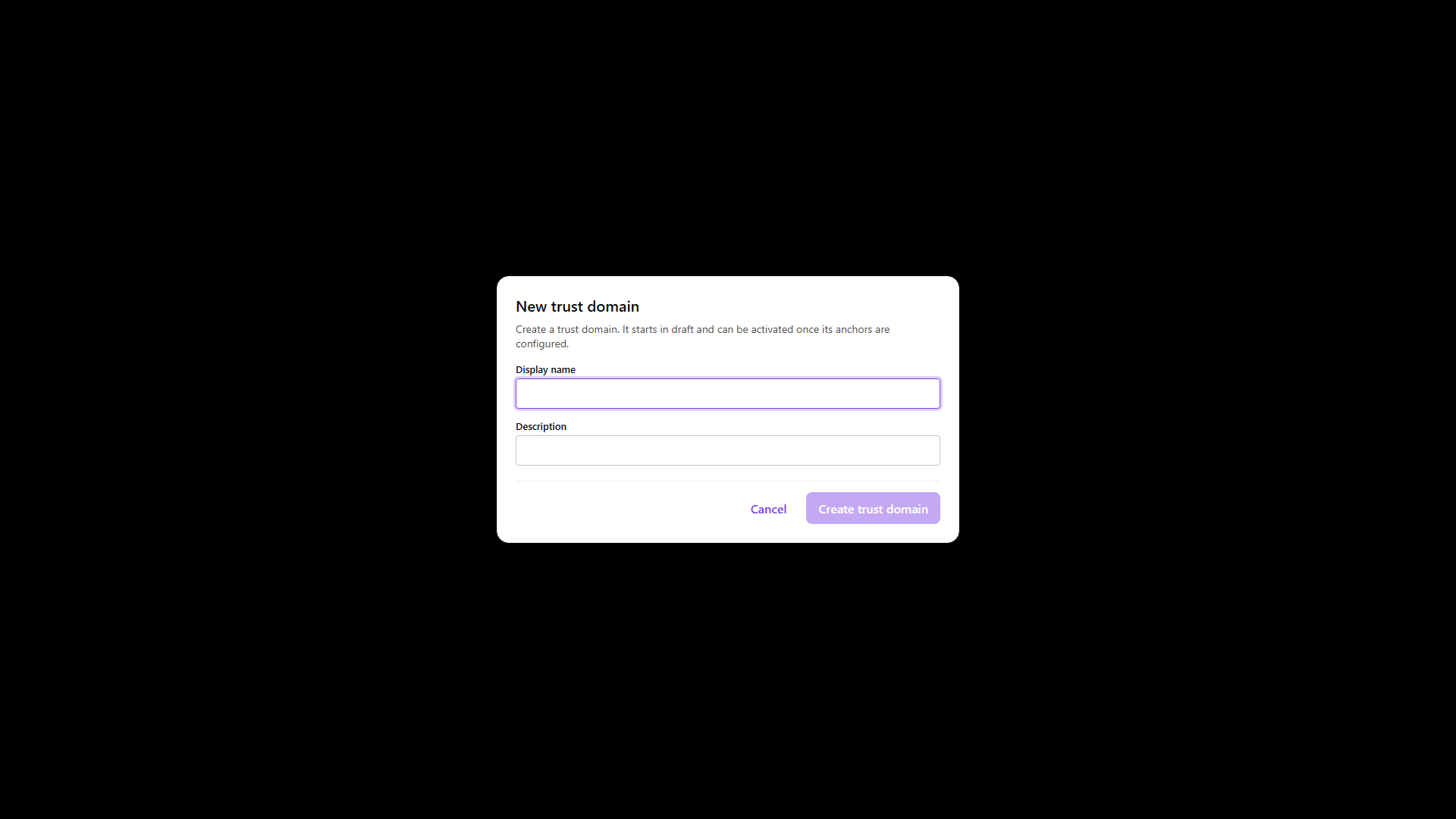
Add the VICAL signer anchor
POST/api/trust-domain/v1/domains/00000000-0000-4000-8000-000000000000/anchors201 Created- Admin Console
- Request
- Response
- Try it
Anchors are added through the API; the domain's Anchors section lists them read-only. The anchor
binds an existing identity identifier into the domain. evidenceMechanism says what kind
of material it is and origin is IMPORTED for material that came from outside the tenant, which a
third party's VICAL signer normally is.
Add the issuing-authority anchors the same way. They are separate anchors from the signer even when one organisation operates both.
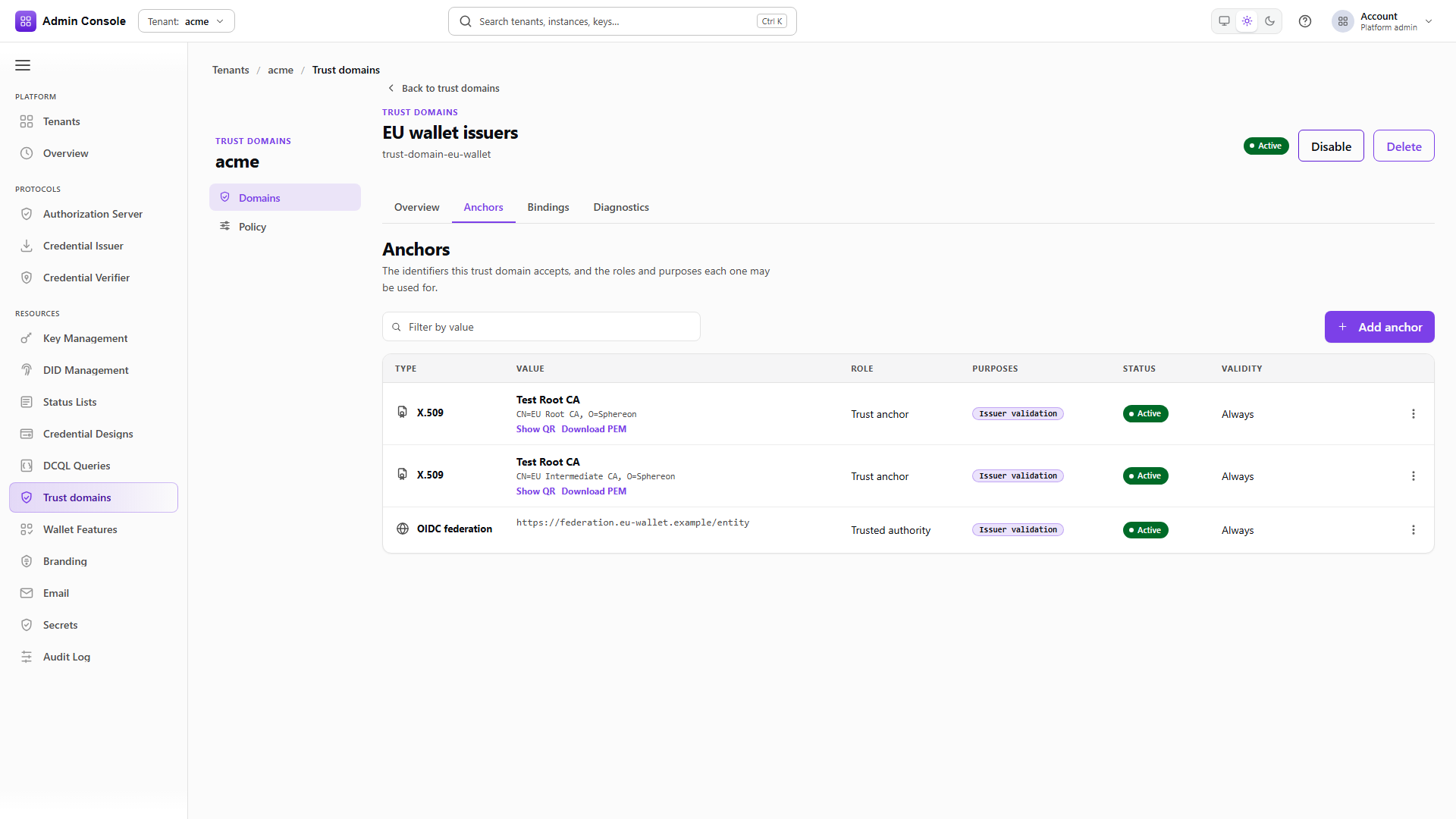
Configuring the VICAL without the admission is refused
PUT/api/trust-domain/v1/domains/00000000-0000-4000-8000-000000000000/anchors/00000000-0000-4000-8000-000000000000/mdoc-vical400 Bad Request- Admin Console
- Request
- Response
- Try it
Pointing a VICAL at a signer anchor that has no MDOC_VICAL_SIGNER admission is rejected with a
validation error naming the anchor and the class it lacks.
That refusal is the reason the class exists. A VICAL that could not be verified would admit every authority it happens to contain, so a certificate merely present in a domain must not be able to vouch for a whole list.
Admit the anchor as a VICAL signer
PUT/api/trust-domain/v1/domains/00000000-0000-4000-8000-000000000000/anchors/00000000-0000-4000-8000-000000000000/admissions/MDOC_VICAL_SIGNER200 OK- Admin Console
- Request
- Response
- Try it
Use MDOC_VICAL_SIGNER for an anchor allowed to verify a VICAL signature, and CREDENTIAL_ISSUER
for an authority allowed to issue credentials. Grant both to the same anchor only when it genuinely
does both jobs.
PUT carries the anchor's current version as expectedAnchorVersion, so the grant cannot race an
edit to the anchor.
- Admin Console
- Request
- Response
- Try it
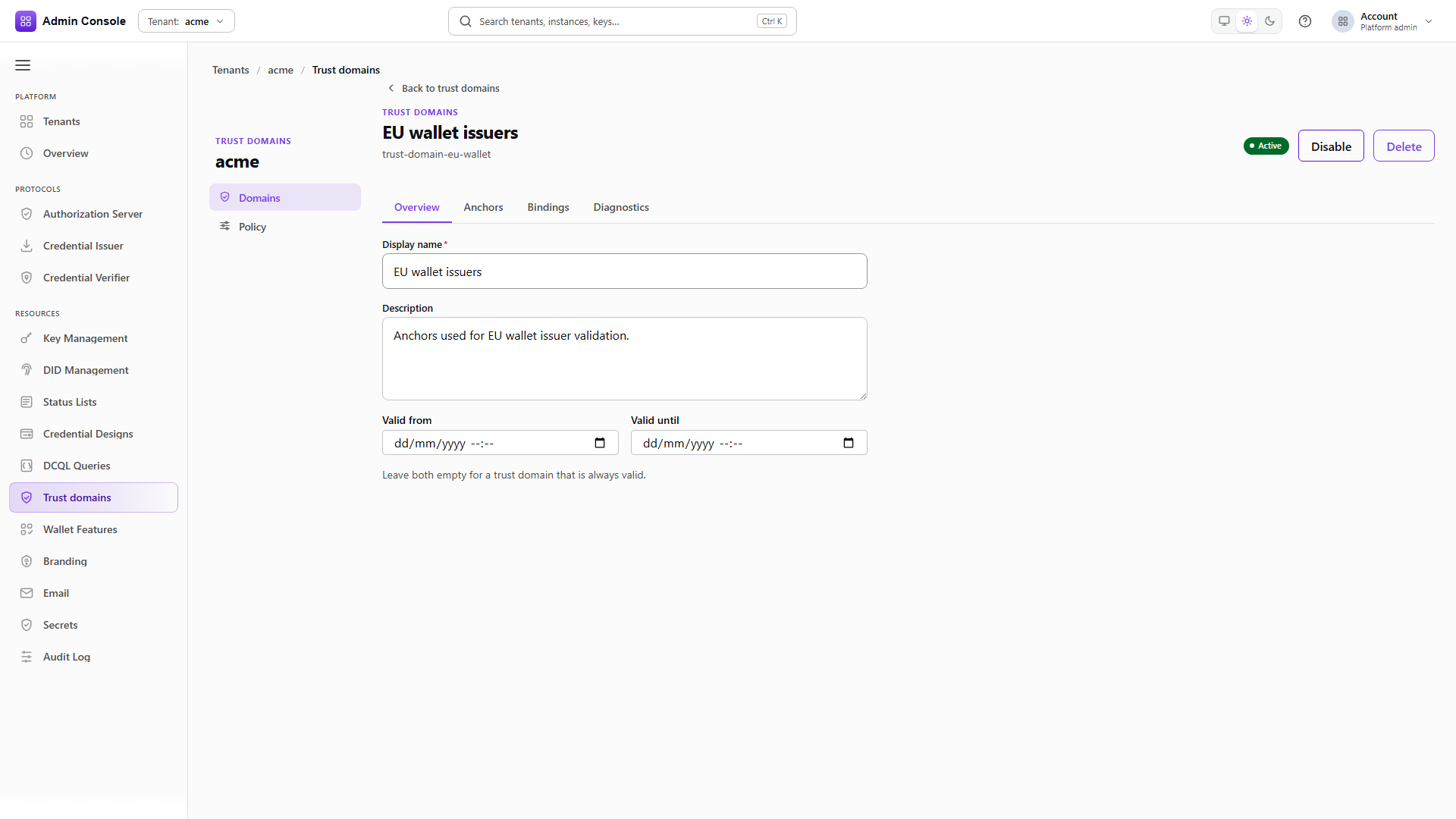
In the console, select Activate in the domain detail header. Over REST, activation writes the
whole domain with status set to ACTIVE and the version you read. Until this
happens, resolution against the domain produces nothing regardless of how complete its anchors are.
Attach it to the verifier
PUT/api/trust-domain/v1/attachments/OID4VP_VERIFIER/cap0924b/CREDENTIAL_ISSUER_TRUST200 OK- Admin Console
- Request
- Response
- Try it
The attachment is keyed by consumer kind, consumer id and usage, here an OID4VP_VERIFIER and
CREDENTIAL_ISSUER_TRUST. PUT replaces the whole ordered list, so send every domain the verifier
should consult, with ordinal giving the order.
The write is accepted even when the added domain falls outside the verifier's eligibility grant, as this capture shows. The grant is enforced when the attachment resolves a decision rather than when it is written, so widen the grant in the same change. See Trust domains for the grant routes.
Configuring the VICAL source
The VICAL configuration belongs to the provider anchor rather than to the domain.
Read the current configuration
GET/api/trust-domain/v1/domains/00000000-0000-4000-8000-000000000000/anchors/00000000-0000-4000-8000-000000000000/mdoc-vical200 OK- Admin Console
- Request
- Response
- Try it
An anchor with no VICAL returns an unconfigured VICAL rather than 404, so a client renders the
empty form without a special case.
Write the source
PUT/api/trust-domain/v1/domains/00000000-0000-4000-8000-000000000000/anchors/00000000-0000-4000-8000-000000000000/mdoc-vical200 OK- Admin Console
- Request
- Response
- Try it
The body carries the HTTPS source URL, the signerAnchorIds allowed to verify the artifact
signature, the issuerAnchorIds it may carry, and optional requiredCertificateProfiles such as
iso18013-5-iaca.
Every referenced anchor has to be in the same domain, be ACTIVE, and hold the admission class for
its own role. Anchors from another domain, inactive anchors and anchors without the class are all
rejected here.
Saving stores an internal MDOC_VICAL source revision in draft state. Its trust-source id is the
provider anchor id. Find the draft revision with listTrustSourceRevisions, read the source with
getTrustSource, and send its ETag as If-Match when you validate and again when you activate. A
stale value returns 412.
Reading the configuration back is not a validation result, and activating the source is not the same as activating the trust domain.
Plain HTTP is refused
PUT/api/trust-domain/v1/domains/00000000-0000-4000-8000-000000000000/anchors/00000000-0000-4000-8000-000000000000/mdoc-vical400 Bad Request- Admin Console
- Request
- Response
- Try it
The URL has to be an absolute HTTPS URL. Over plain HTTP anyone on the path can substitute the list, and checking the signature does not help when the signer reference can be swapped along with it.
Remove the configuration
DELETE/api/trust-domain/v1/domains/00000000-0000-4000-8000-000000000000/anchors/00000000-0000-4000-8000-000000000000/mdoc-vical200 OK- Admin Console
- Request
- Response
- Try it
Removing the VICAL leaves the anchor and its admission intact. Only the source goes away, so the anchor stays available for another source or another role.
Publishing status as a CWT
The mdoc status list uses the IETF Token Status List specification with a CWT proof and the one-bit mdoc profile.
In the console, open Resources > Status Lists > Lists and choose New status list. Select Token Status
List with CWT, pick the mdoc status profile, set bitsPerStatus to 1 and give the published CWT an
expiry. Choose the signing certificate and key, set the public URI and TTL, and create the list. The
Token tab then confirms the content type is application/statuslist+cwt.
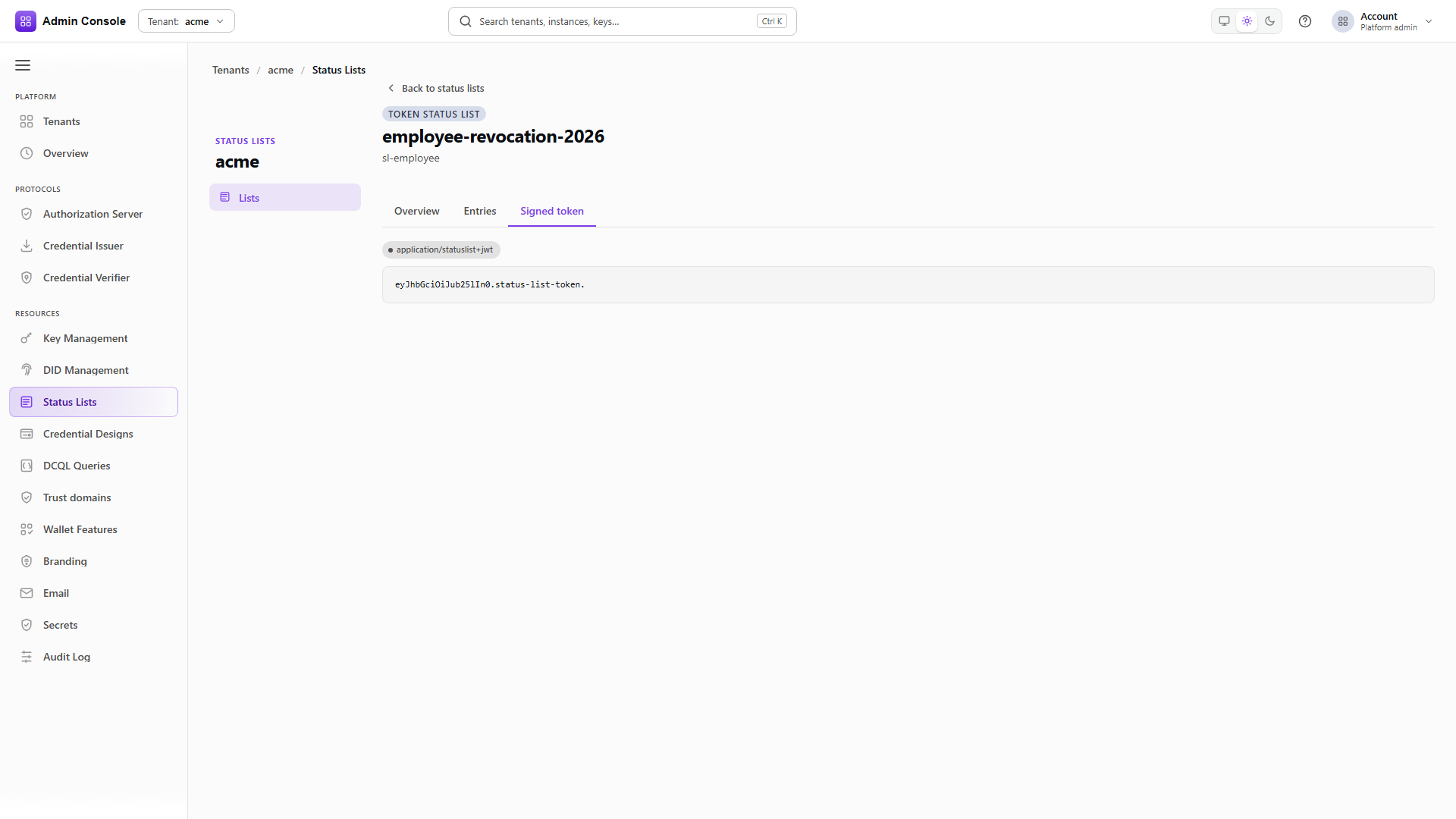
Over REST the create request carries spec: token_status_list, proofFormat: cwt,
mdocProfile: status_list, bitsPerStatus: 1 and an explicit validUntil. The expiry becomes the
CWT exp and has to cover the period in which the published token should be accepted.
aggregationUri is optional and is carried in the mdoc status reference when supplied.
The public response is raw COSE_Sign1. Decode it as CBOR and check the protected header, the signing
algorithm, the certificate chain, the CWT issuer and expiry, the one-bit lst value, and the index
stored in the mdoc.
Keep the list identifier and public URI from the management response and pass them downstream with the
issuance record. The create response has no revision or entry index; the index comes from the issued
credential's status claim. A verifier rejects the credential when the CWT is
not served as application/statuslist+cwt, its COSE signature or issuer is not trusted, exp is
missing or past, lst cannot be decoded, or the requested index is outside the list. A successful
list creation says nothing about any of that.
Next
Issue credentials covers issuing an mdoc with the allocated status URI and index. Verify credentials covers reading the trust and status results from an OID4VP session. Status lists and revocation covers updating the indexed value.