Credentials, status, and trust
This is the map for designing an interoperable credential journey. For the task-by-task route, start with the developer journeys. A profile is not just a string in an offer: it combines a credential model, a securing representation, a status mechanism, and a trust policy. Decide those four things before creating an offer, then carry the returned identifiers through the wallet and verifier steps.
The four current profiles
| Profile | Credential model and securing representation | Credential media type | Status mechanism and media type | Trust input | Operational sequence |
|---|---|---|---|---|---|
| SD-JWT VC | SD-JWT VC, OID4VCI dc+sd-jwt, vct | application/vc+sd-jwt | IETF JWT Token Status, application/statuslist+jwt | Issuer DID/JWK or X.509 material, selected by the verifier trust policy | Design → JWT status list → issuer key → offer → wallet token and proof → credential → presentation and status read |
| ISO mdoc | ISO/IEC 18013-5 mdoc, OID4VCI mso_mdoc, docType | OID4VCI application/json envelope containing a base64url-encoded CBOR IssuerSigned credential | IETF CWT Token Status, application/statuslist+cwt | DSC/IACA chain and, when required, a signed VICAL admitted by the trust domain | mdoc design → CWT list → DSC/IACA and VICAL policy → offer → mdoc-aware token and request → COSE/CBOR credential → device presentation |
| W3C VCDM 1.1 JWT | W3C VCDM 1.1 secured as OID4VCI jwt_vc_json | application/vc+jwt | Bitstring Status List credential, application/vc+jwt | Issuer DID/JWK or X.509 material and a verifier trust-domain attachment | VCDM 1.1 design → Bitstring list → issuer key → offer → wallet token and proof → VC-JWT → OID4VP/DCQL verification and status read |
| W3C VCDM 2.0 JWT-JSON-LD | W3C VCDM 2.0 secured as OID4VCI jwt_vc_json-ld | application/vc+jwt | Bitstring Status List credential, application/vc+jwt | Issuer DID/JWK or X.509 material and a verifier trust-domain attachment | VCDM 2.0 design → Bitstring list → issuer key → offer → wallet token and proof → VC-JWT-JSON-LD → OID4VP/DCQL verification and status read |
The credential model says what claims mean. The securing representation says how the issuer signs and the wallet presents them. The status mechanism says how a verifier obtains the current status. Trust says which issuer, signing authority, wallet provider, or verifier is acceptable. They are related decisions, but none substitutes for another: a valid status bit does not authenticate an issuer, and a trusted issuer does not make a revoked credential valid.
Prerequisites and a safe order of work
- Work in the intended tenant and confirm that the license and capability filters expose the issuer, verifier, status-list, trust-domain, and Developer Console surfaces you need.
- Create a credential design for the chosen model and bind the matching
credential_configuration_id. For mdoc, define namespace-qualified elements anddocType; for VCDM, select the intended context and types. - Select signing material. A DID document, JWK, or X.509 chain describes public verification; Azure KMS, BYOK, or BYOC describes where signing happens. Runtime
providerIdplus a provider-native alias or canonicalkidis not the same thing as an administrative resource handle. - Create the matching status list before issuance. Save the response-derived list ID, public status URI, proof format, media type, and length; do not derive them from a display name. The issued credential response later supplies the credential-bound status URI and index.
- Establish trust. Attach a tenant trust domain to the verifier for the applicable usage. For mdoc, distinguish DSC/IACA certificate validation from VICAL signer and issuer admission. ETSI trust lists and VICAL are different sources with different profiles.
- Configure the issuer, create an offer, and let a wallet resolve the offer, obtain a token, and submit a format-specific credential request with its own proof. The offer is an entry point, not issuance.
- Verify the returned credential and its status URI/index. Present it through the wallet/verifier flow, evaluate signature, issuer trust, claims, validity, and current status, and fail closed when any required input is absent, malformed, expired, or denied.
The task guides provide the actionable surfaces: Issue credentials, Verify credentials, Status lists and revocation, Trust domains, mDoc VICAL and CWT status, and Azure KMS, BYOK, and BYOC. The profile walkthroughs explain the four sequences side by side.
Shared Admin Console orientation
Use the surface that matches the job. The Admin Console/Portal is the guided, tenant-scoped setup surface; the REST API is the repeatable integration surface. Both must use identifiers returned by the preceding operation.
- Admin Console / Portal
- REST API
In Admin Console → Credential designs, inspect the design's name, model/version, securing format, credential_configuration_id, claims/context, and issuer attachment. In Status lists, inspect the list id, status purpose, proof format, media type, length, and public URI. In Trust domains, inspect the domain id, anchors/admissions, consumers, and attachment policy. Those fields explain what the next operation can reference; a display label is not an identifier.
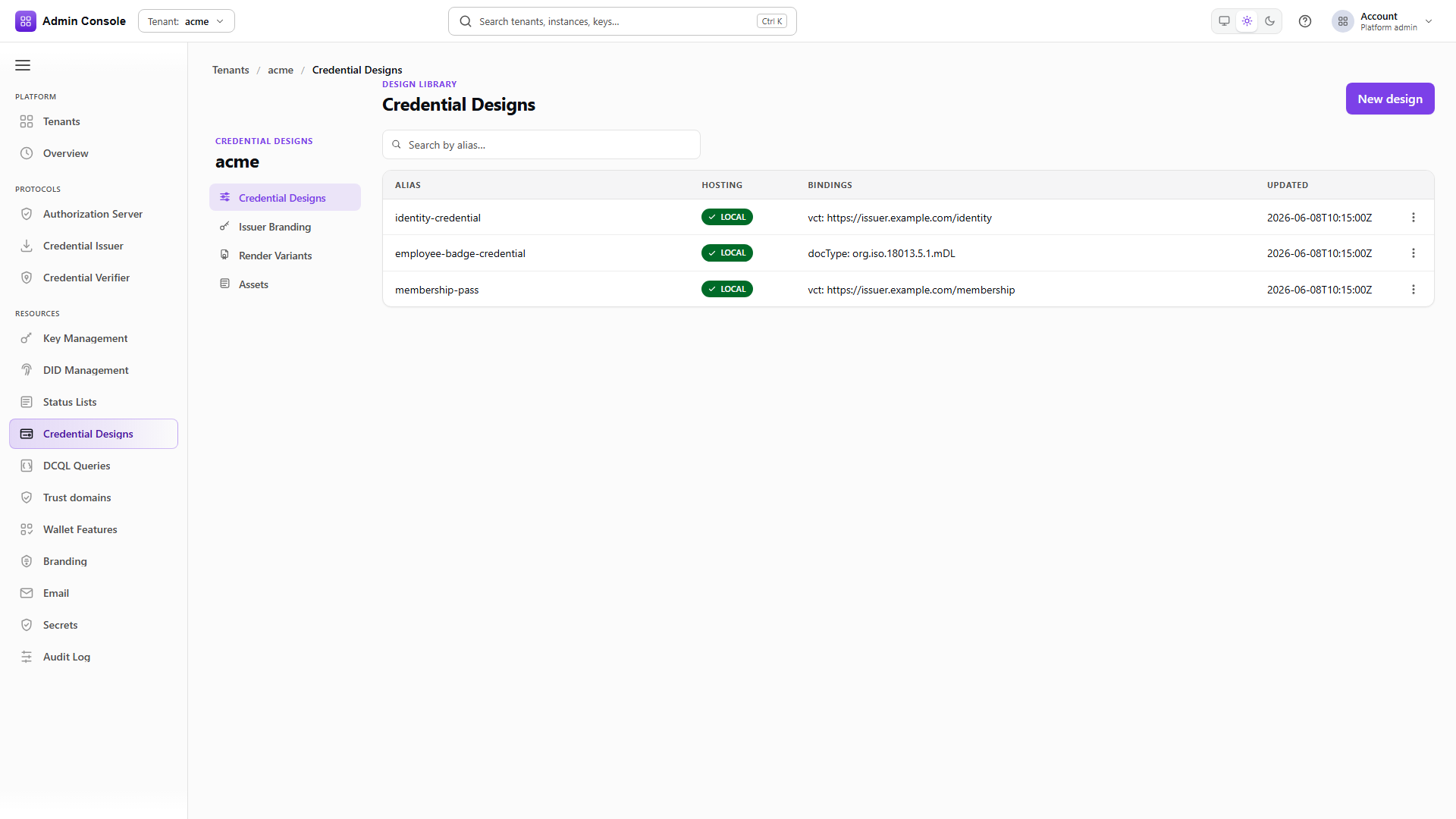
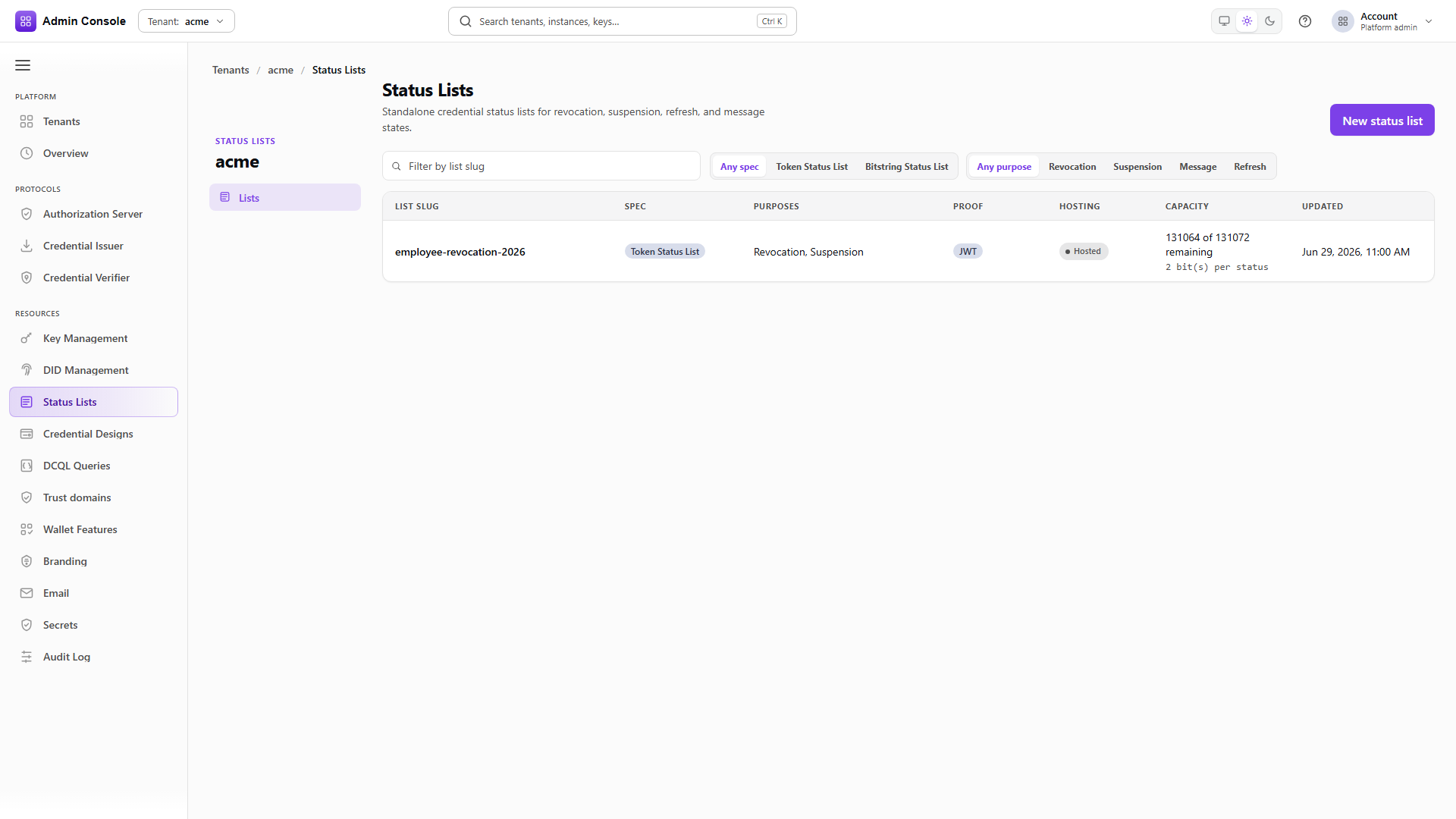
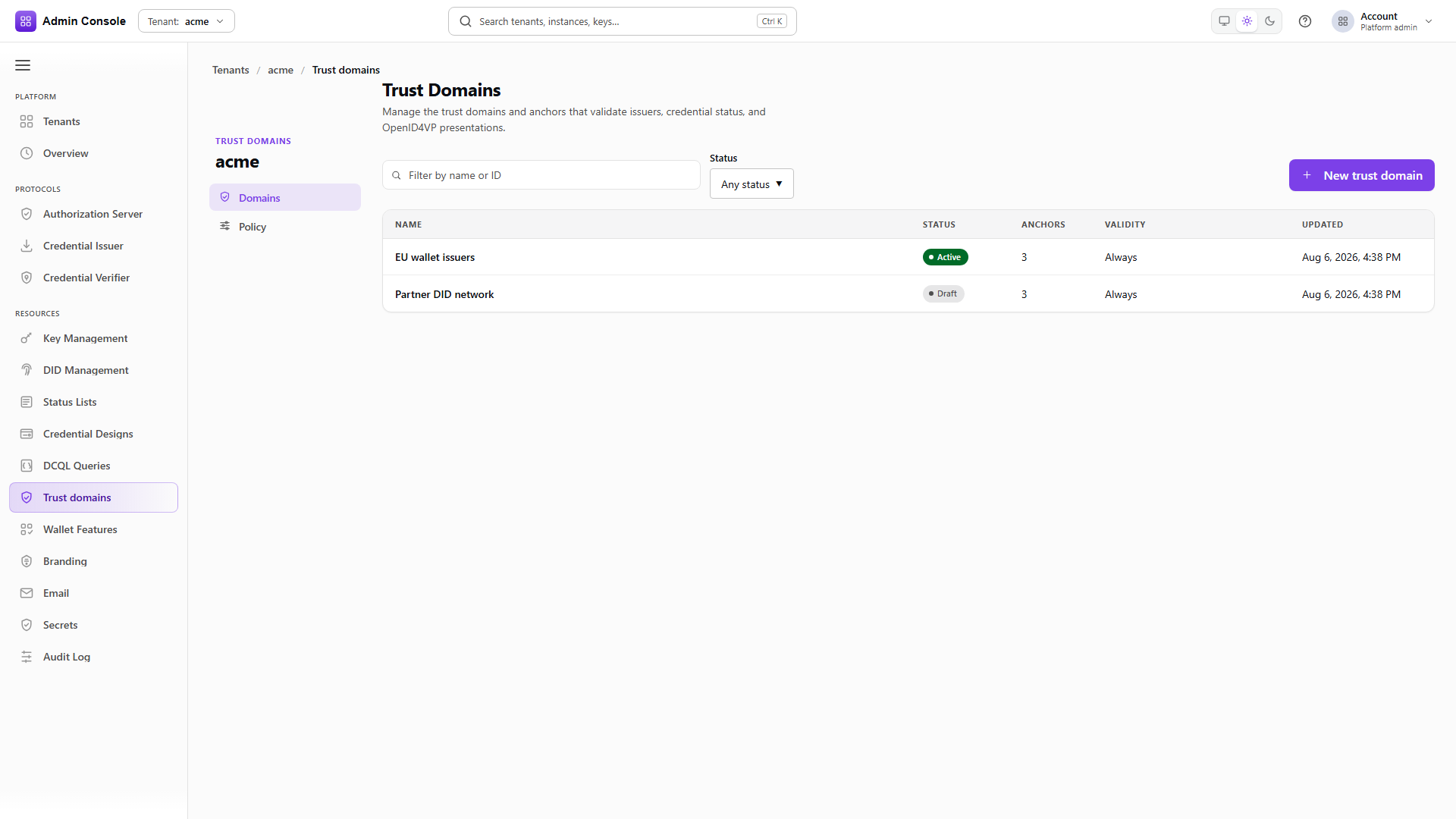
These are existing, customer-neutral illustrations of shared setup surfaces. They are not four-profile issuance captures and do not prove a live tenant, wallet, verifier, Azure, or VICAL run. For the exact field meanings, follow Credential designs, Status lists and revocation, and Trust domains.
Use the documented method, path, tenant authorization, content type, and response schema. createCredentialDesign returns the design identity and configuration to carry forward; createStatusList/listStatusLists returns the list identity and public URI; trust-domain operations return the domain and attachment/admission identities. Read the response before constructing the next request.
The API reference is a contract and example source, not a runtime result. Existing matched CapturedCall panels on the profile walkthroughs show the four runtime-oriented views (Overview, Request, Response, and API reference) when a sanitized call has a matching source operation. Unmatched or static material remains explicitly bounded.
What success and failure mean
An offer response means that an issuer accepted an offer-creation request and returned an offer representation. It does not mean that a wallet resolved it, a token was exchanged, a credential was issued or stored, a presentation was made, or trust was established. A credential response means the credential endpoint accepted the wallet's format-specific request; it still needs local decoding, signature checks, claim checks, status evaluation, and trust evaluation.
Treat these boundaries as diagnostic checkpoints:
- A missing catalog item or operation usually means the tenant, license, service capability, or mounted OpenAPI document does not expose it; it is not fixed by changing a credential claim.
- A design or status-list validation error means the model, format, proof, media type, signing key, or referenced resource is inconsistent. Use identifiers from prior responses.
- A token or credential-request error means the wallet did not supply the required grant, access token, proof, or format-specific body. Do not infer issuance from the offer.
- A verifier rejection is fail-closed when signature, issuer trust, DSC/IACA/VICAL policy, validity, presentation policy, status URI, status index, or published status data is unavailable or invalid.
For request/response details, use the Developer Console's API reference and Scalar/OpenAPI views, then use the Developer Console guide and the generated Postman collection for a repeatable REST handoff. Static captures document shape; browser, wallet, verifier, Azure, and VICAL runtime acceptance remain separate gates.