Email: Templates
Catalog id: resource.email.templates
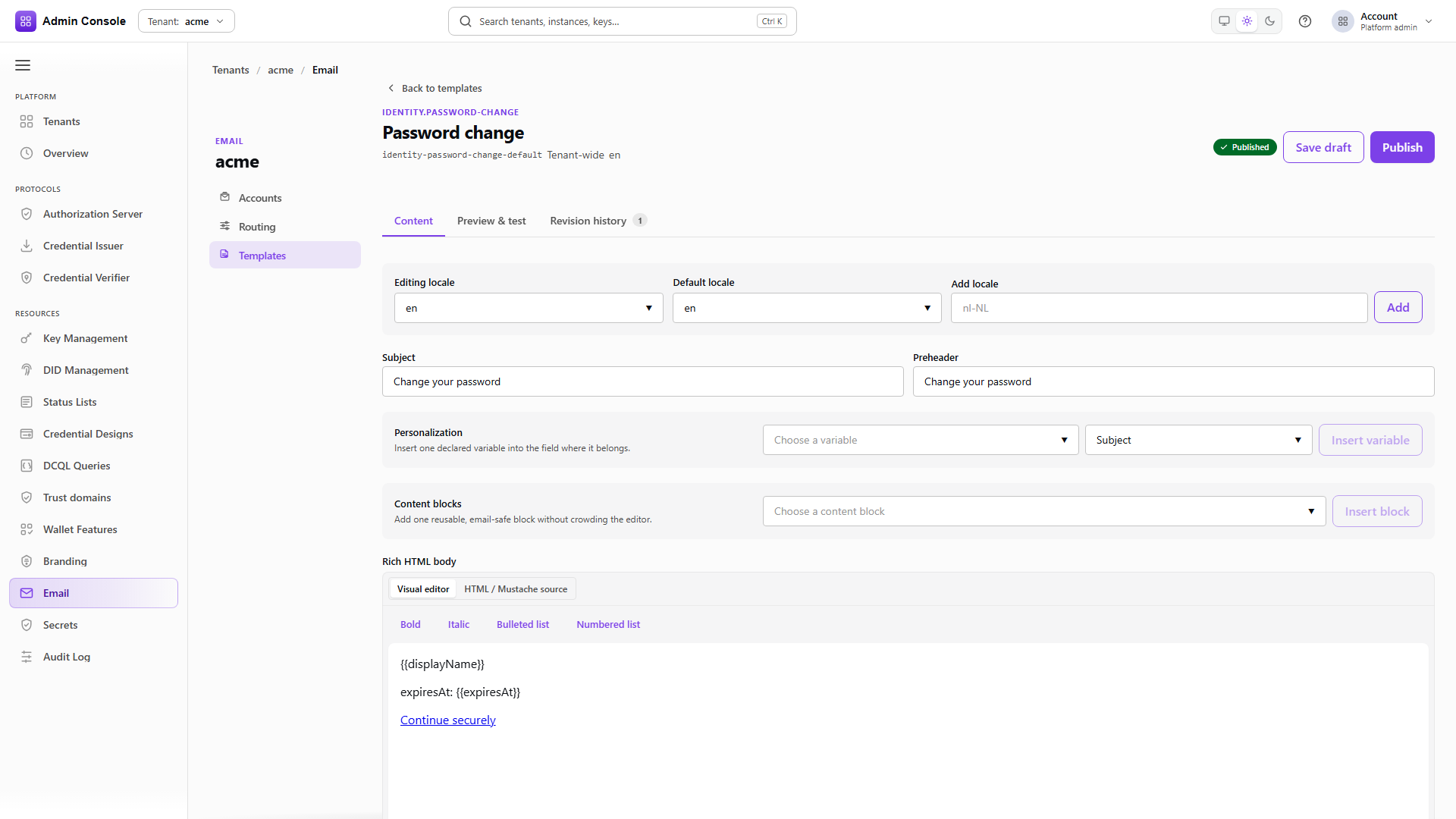
The content of each email type, per locale: subject, preheader, HTML fragment and plain-text body. A template supplies only the type-specific copy. It renders inside the shell configured under Branding > Email design, which is where a header logo or footer that is wrong on every message belongs.
Audience: tenant administrator.
Guide: Branding and email.
Working with templates
- Admin Console
- Request
- Response
- Try it
Each entry carries its templateId, the emailTypeId it serves, and a locales map holding the
subject, preheader, HTML fragment and text body per locale.
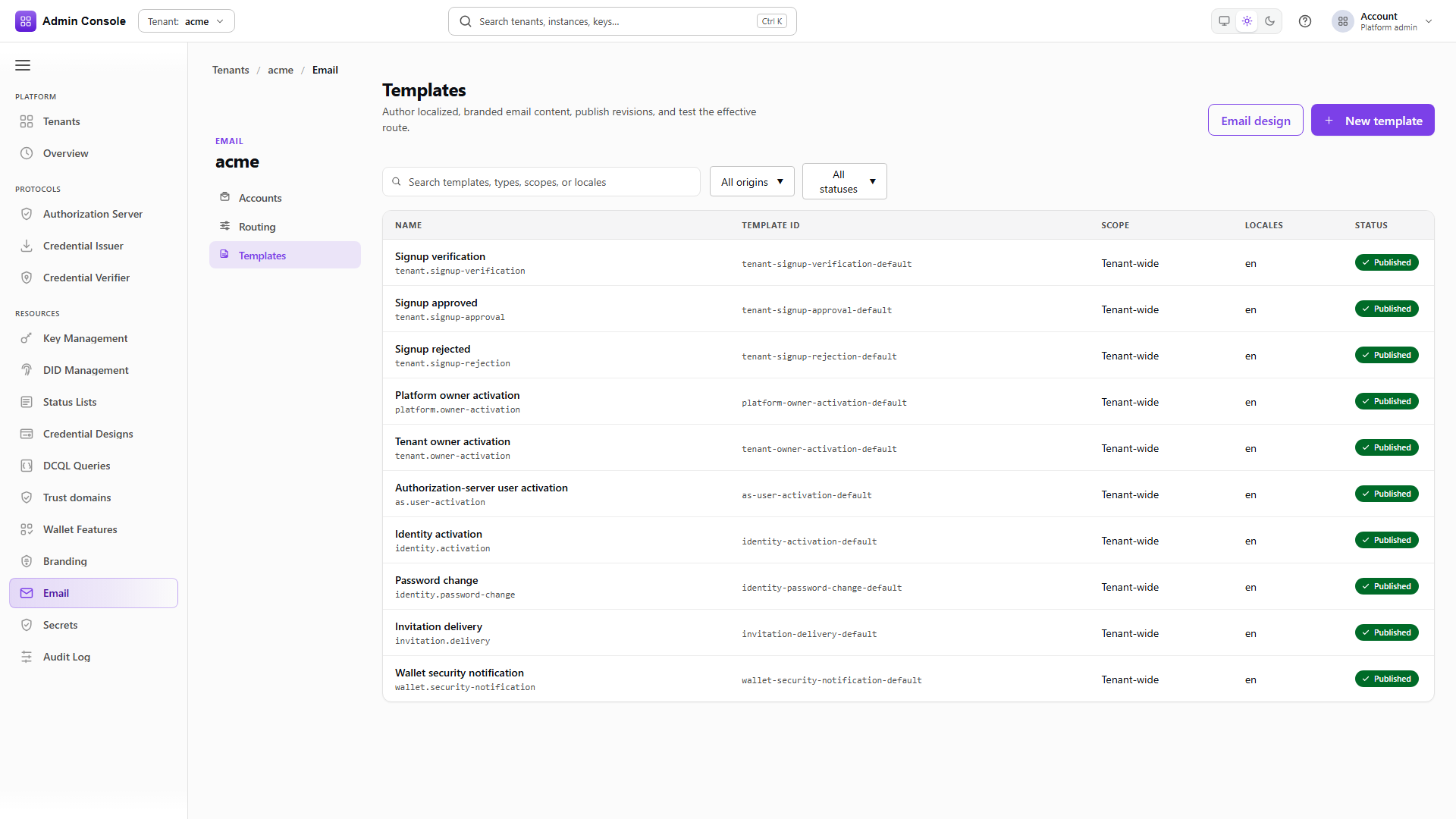
The catalog covers the built-in product types and any custom ones you add, and filters by origin and
by draft or published status. Variables such as landingUrl and displayName come from the email
type catalog rather than from the template, so a variable that renders empty is a catalog or runtime
problem and editing the subject line will not fix it.
Preview with sample variables
POST/api/platform/config/v1/tenants/acme/email/templates/identity-password-change-default/preview200 OK- Admin Console
- Request
- Response
- Try it
Preview takes source, either DRAFT or a published revision, a locale, and the variables to
substitute. The response returns the resolved locale, the revision, the subject, the preheader and
the rendered HTML, so you can see what substitution actually produced rather than what you expected.
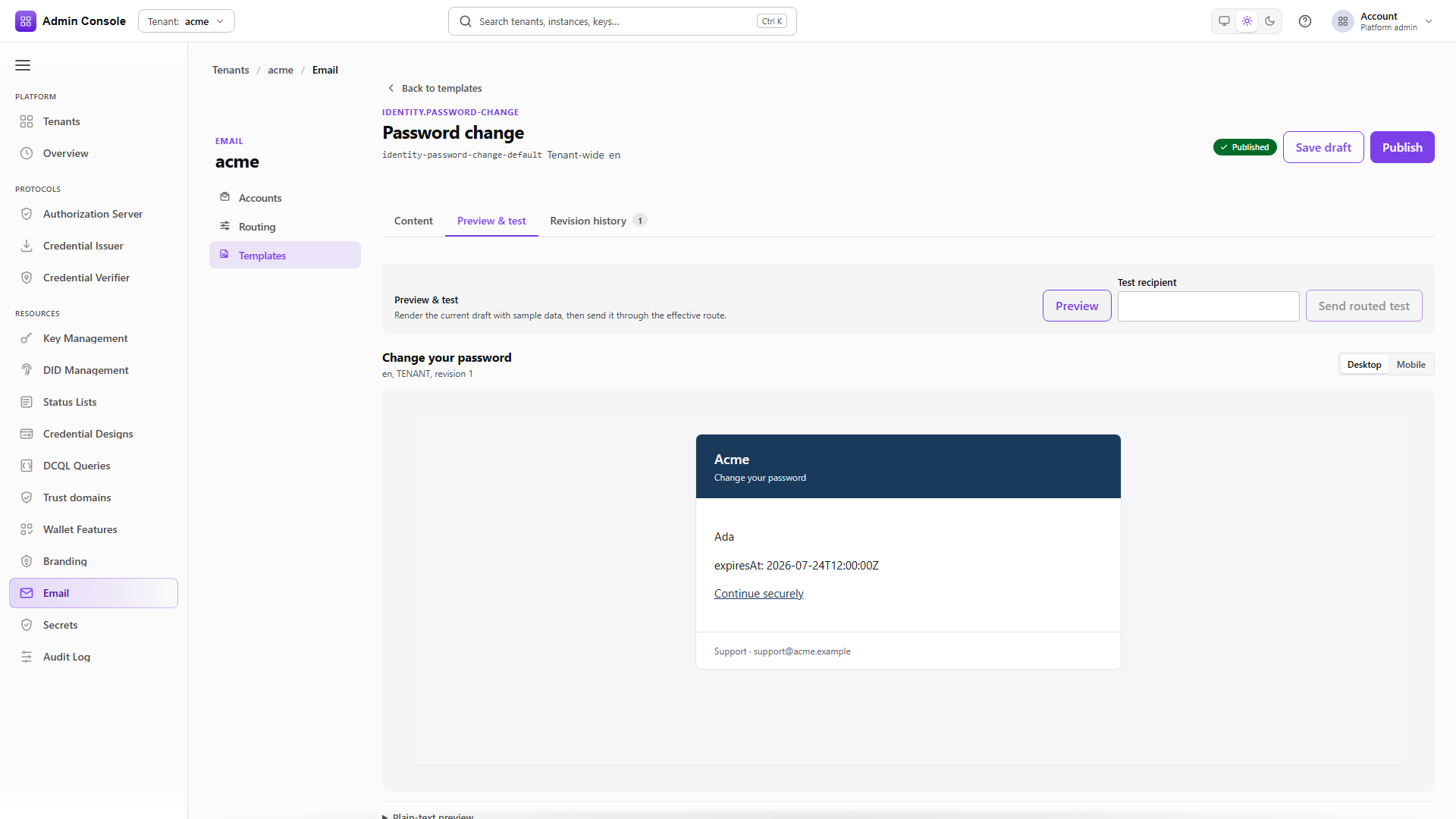
In the console the Preview button renders the current editor content, including unsaved edits, with a desktop and mobile width toggle and an expandable plain-text view. Preview delivers nothing and does not write a tenant override.
Send routed test is the separate action. It saves the draft first, then delivers through the effective routing account for that type, so it exercises composition, routing and SMTP together.
Full schema: Platform config API.
The workspace tabs
Content holds the locales, subject, preheader, variable insertion, content blocks and both bodies, with a default locale used as fallback wherever a translation is missing. Content blocks produce email-safe markup for calls to action, panels and metadata without hand-writing HTML each time. Save draft writes a new draft revision, and Publish promotes it for production senders; a product default remains the product default until a tenant override is saved.
History lists the published revisions and can copy one back into the draft, which is the rollback path when a published change turns out wrong.