Sample Applications
We provide two sample applications demonstrating integration with the Kiwa eLicense Holder SDK. Each sample targets different use cases and demonstrates the SDK's flexibility.
These sample applications are provided for demonstration and learning purposes only. They are not intended to be used as production-ready templates. The samples prioritize clarity and simplicity over security hardening, error handling, and production best practices. Always implement proper security measures, input validation, and error handling when building production applications.
| Sample App | Platforms | Language | Use Case |
|---|---|---|---|
| Compose Multiplatform | Android + iOS | Kotlin (KMP) | Full-featured cross-platform apps |
| Swift Simple | iOS only | Swift | Native iOS apps, simple integrations |
Both sample apps depend on the Kiwa eLicense Holder SDK, which is proprietary. See the Installation Guide for SDK setup instructions.
Compose Multiplatform App
The Compose Multiplatform sample demonstrates a full-featured e-license wallet application built with Kotlin Multiplatform (KMP). It shares business logic and UI code between Android and iOS while providing platform-native experiences.
Features
- License Retrieval: Assigning and issuing licenses from Kiwa APIs
- License Display: Rendering license data in a user-friendly format
- License Verification: Validating license authenticity and validity
- NFC Engagement: Presenting licenses via Near Field Communication
- QR Code Engagement: Initiating verification sessions via QR codes
- BLE Transfer: Transferring license data over Bluetooth Low Energy
Screenshots (Android)
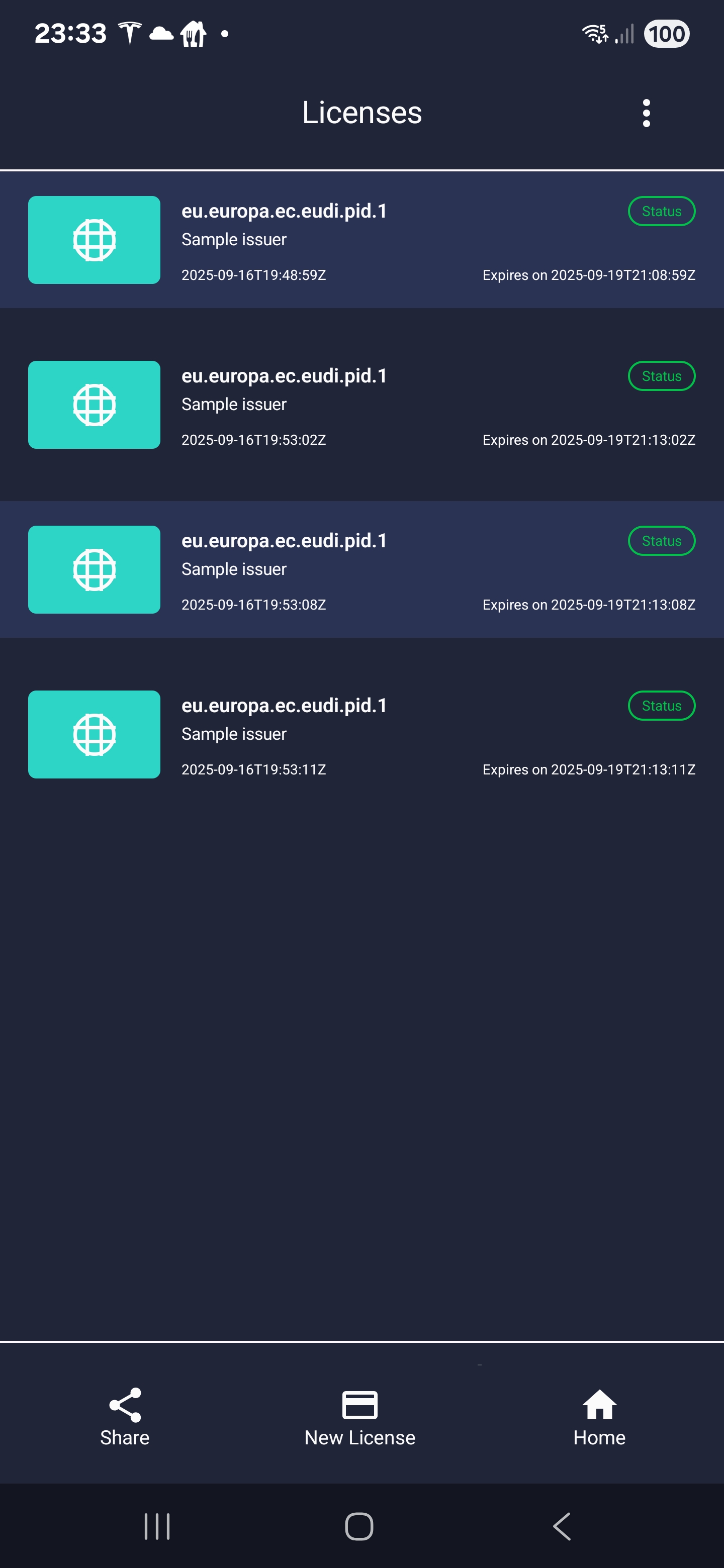
License List
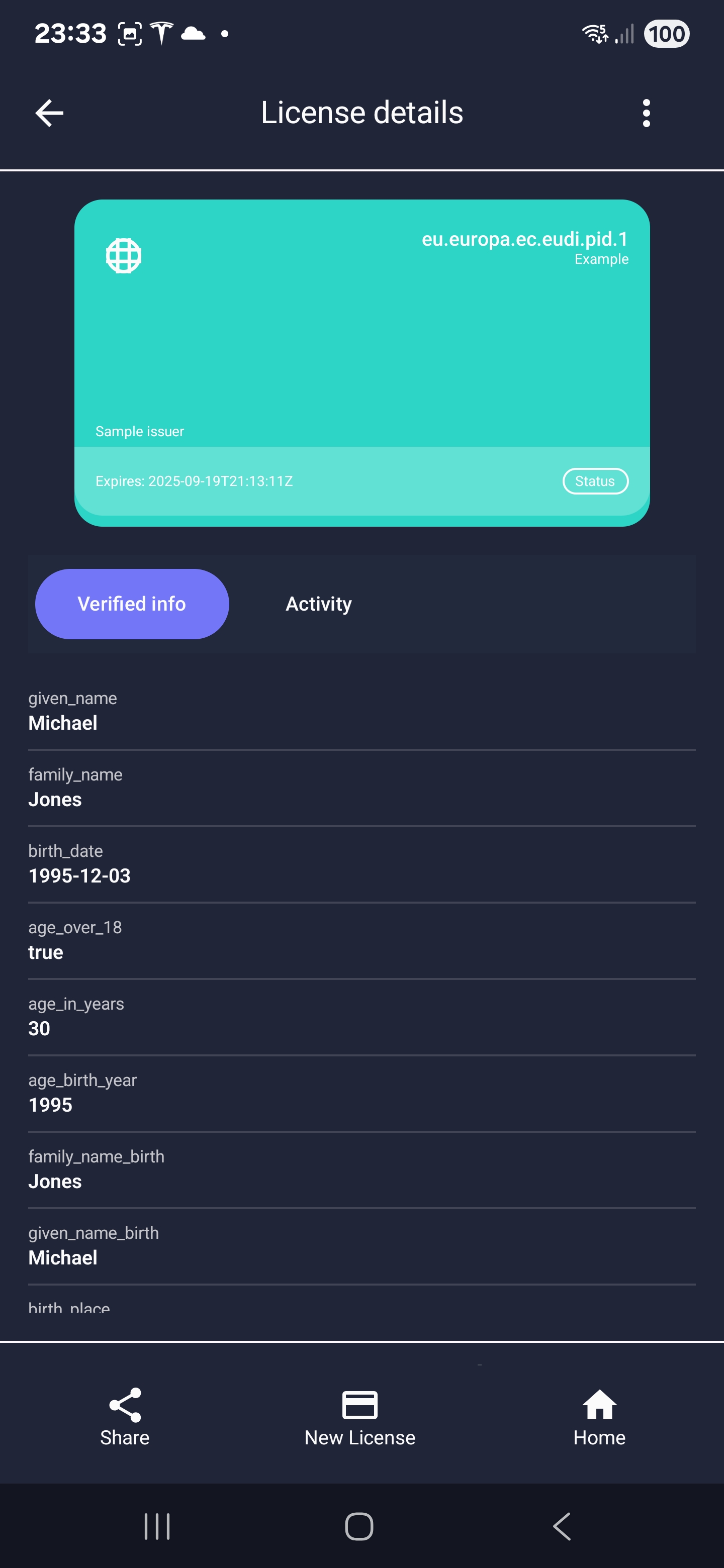
License Details
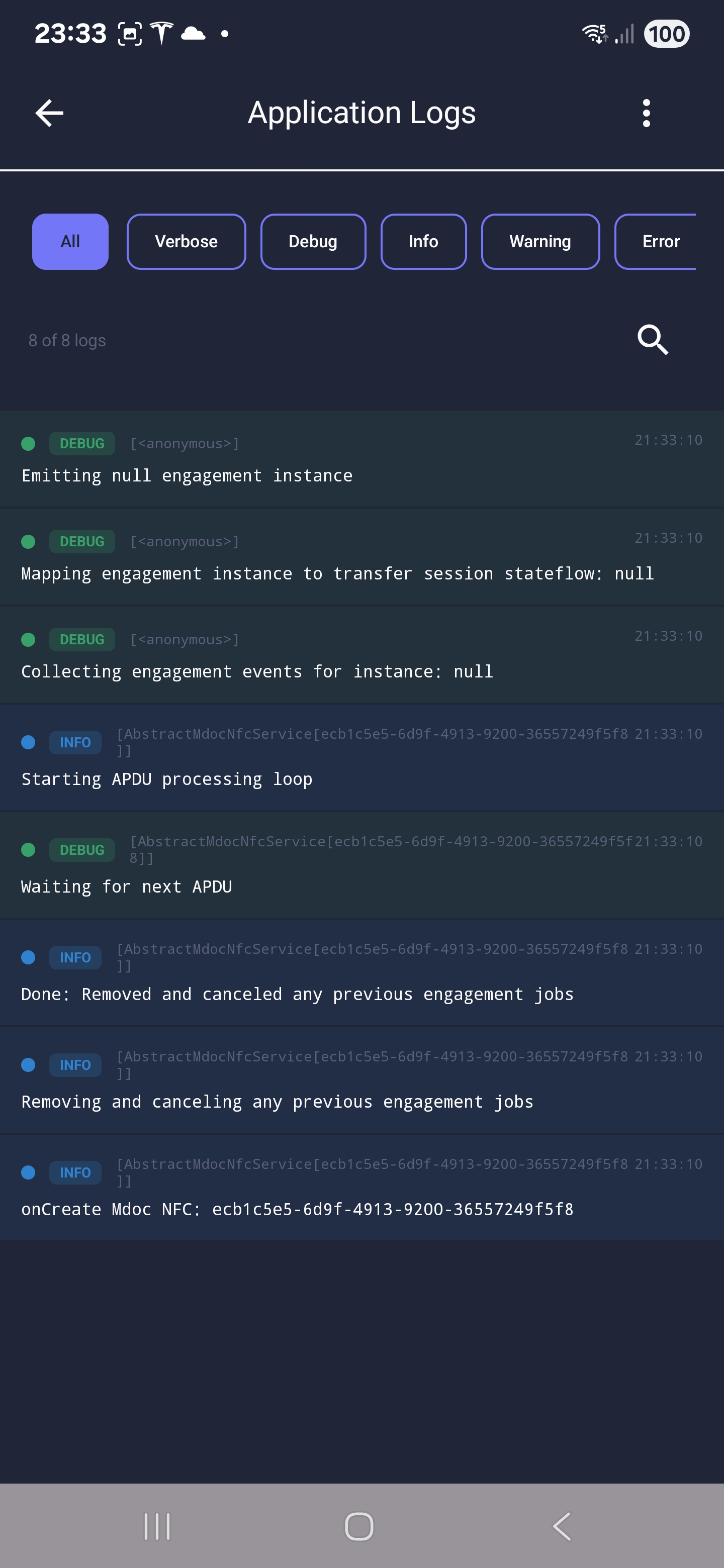
Log View
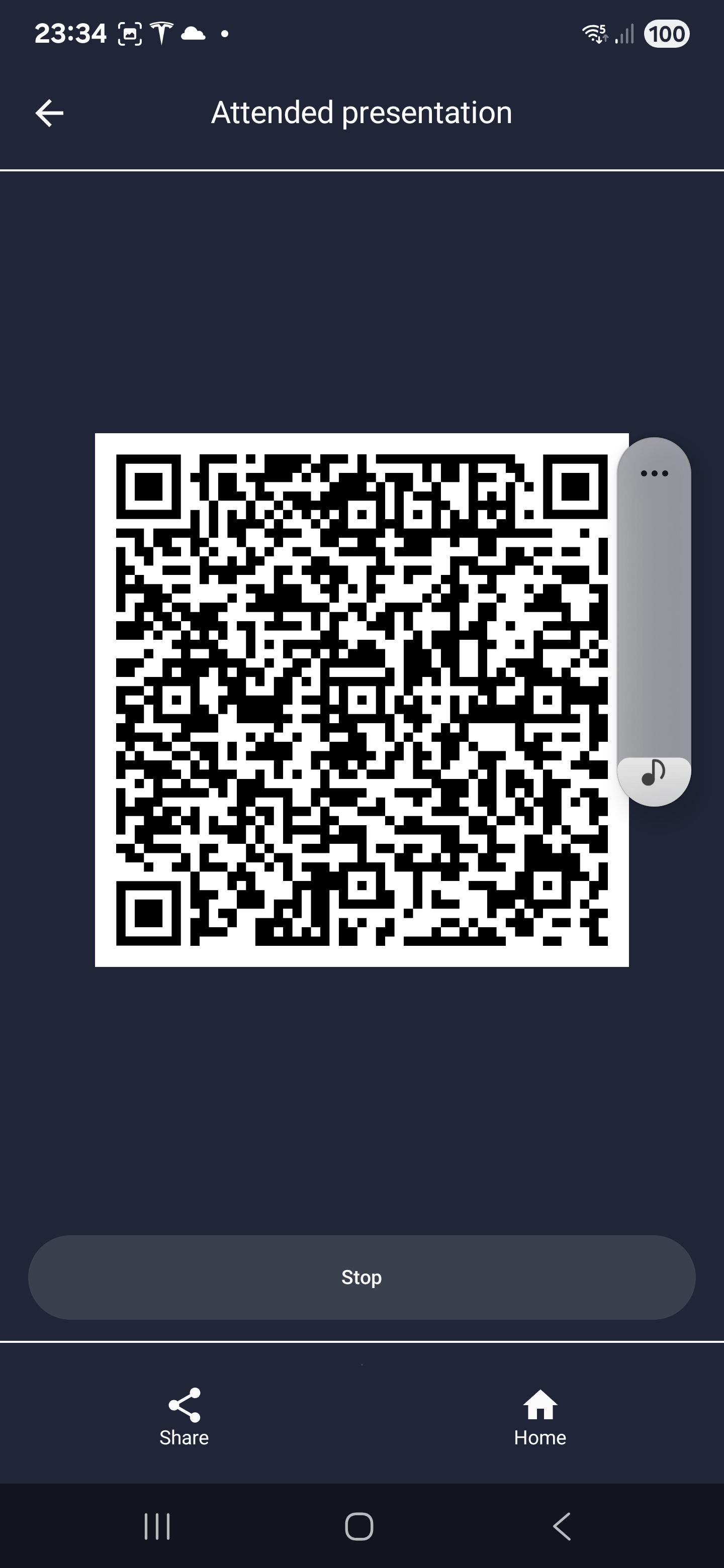
QR Engagement
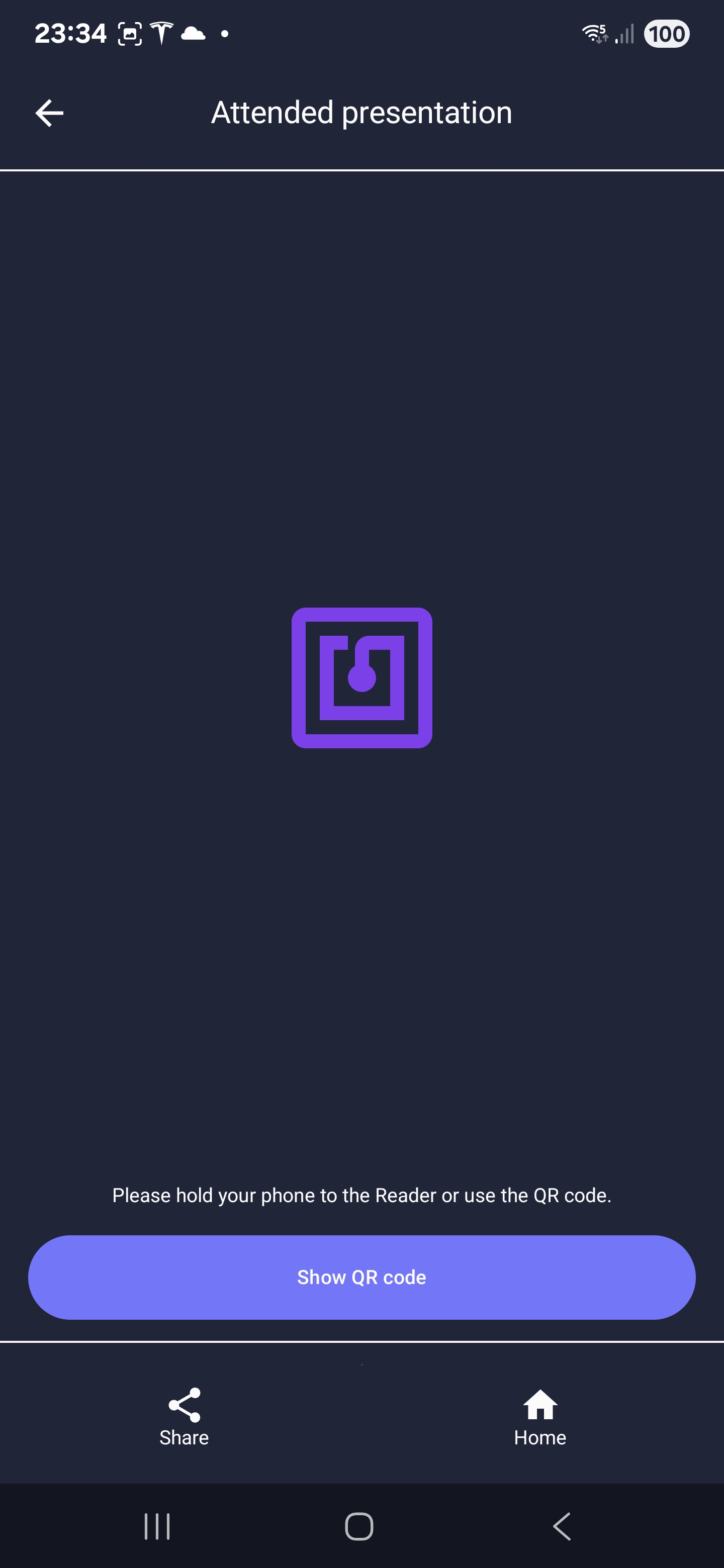
NFC Engagement
Architecture
The Compose Multiplatform app uses:
- Kotlin Multiplatform (KMP): Shared business logic across Android and iOS
- Jetpack Compose / Compose Multiplatform: Shared UI components
- Kotlin Inject + Anvil: Compile-time dependency injection
- MVP with Molecule: Presenter framework for reactive state management
- SKIE: Enhanced Swift interoperability for iOS
Project Structure
Located at example/holder/compose-sample-app/ in the kiwa-sample repository:
example/holder/compose-sample-app/
├── composeApp/                      # Main KMP Compose module
│   └── src/
│       ├── commonMain/              # Shared code
│       ├── androidMain/             # Android-specific code
│       └── iosMain/                 # iOS-specific code (Kotlin)
└── iosApp/                          # iOS Xcode wrapper (minimal Swift)

example/holder/ui/                   # Shared UI modules
├── auth/                            # Authentication UI
├── card/                            # Credential display
├── core/                            # Core UI components
└── elicense/                        # eLicense features
Prerequisites
- Kiwa SDK Access: Nexus credentials for the Kiwa SDK repositories
- Subscription Key: A valid
KIWA_SUBSCRIPTION_KEYfrom Kiwa - Android Studio with Kotlin Multiplatform plugin
- Xcode 15+ (for iOS builds)
- Physical Device (recommended): For NFC and BLE testing
Building and Running
Clone the Repository
git clone https://github.com/Sphereon-Opensource/kiwa-sample.git
cd kiwa-sample
Configure Credentials
Create or update local.properties with your Nexus credentials:
nexusUsername=YOUR_NEXUS_USERNAME
nexusPassword=YOUR_NEXUS_PASSWORD
Set your subscription key via environment variable:
export KIWA_SUBSCRIPTION_KEY=your_subscription_key_here
Build for Android
./gradlew :example:holder:compose-sample-app:composeApp:assembleDebug
Build for iOS
First build the shared framework, then open the Xcode project:
./gradlew :example:holder:compose-sample-app:composeApp:linkDebugFrameworkIosSimulatorArm64
open example/holder/compose-sample-app/iosApp/iosApp.xcodeproj
NFC and BLE features require a physical device. Engagement and presentation features will not work on emulators/simulators.
Swift Simple App
The Swift Simple sample demonstrates how to use the Kiwa SDK from native Swift code. Unlike the Compose app which uses Kotlin Multiplatform, this app uses the pre-built KiwaSdk.xcframework directly from Swift, making it ideal for teams working in pure Swift environments.
Features
- License Activation: 8-digit PIN entry to activate licenses
- License Storage: Local persistence of activated licenses
- License Display: View license details including mDoc data (CBOR decoded)
- User Onboarding: Email collection for user identification
Screenshots (iOS)
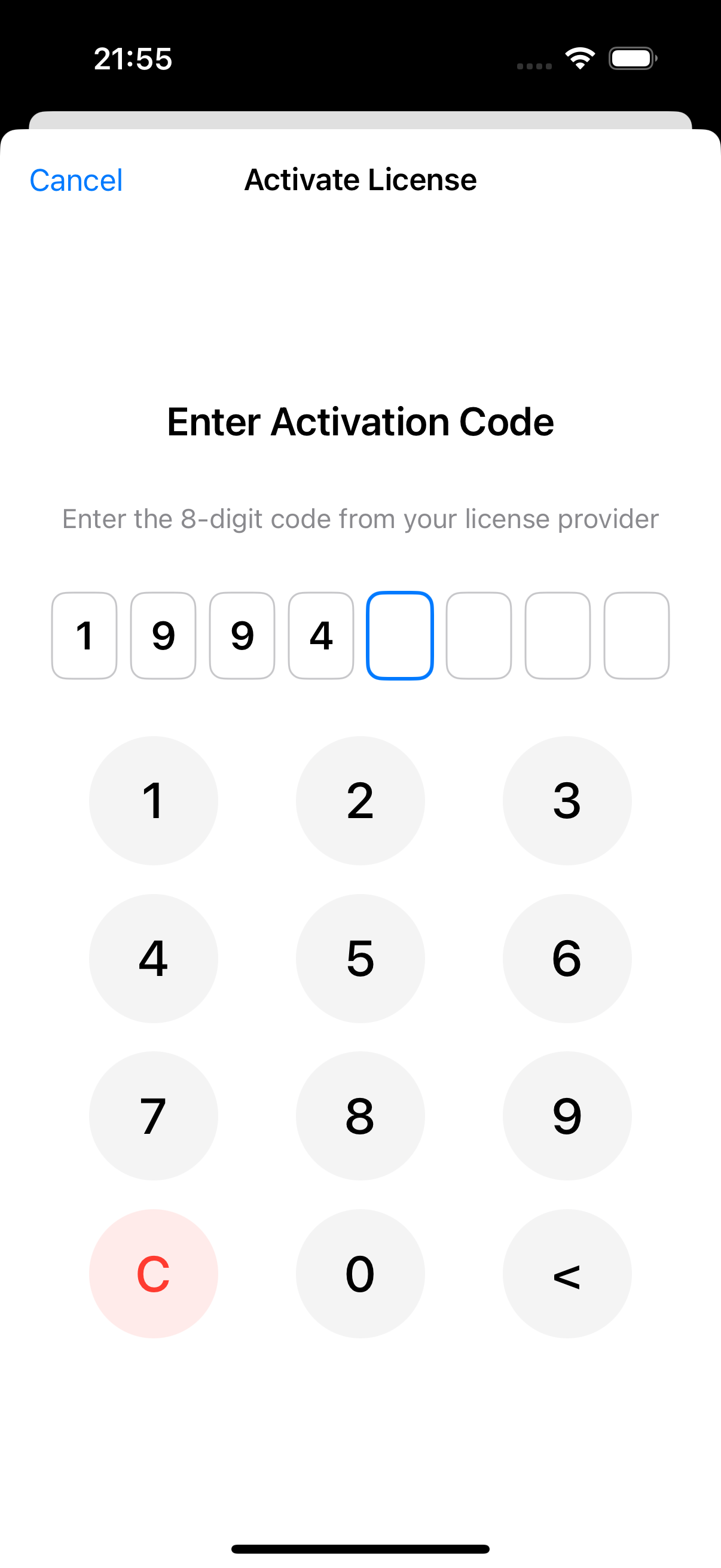
PIN Entry
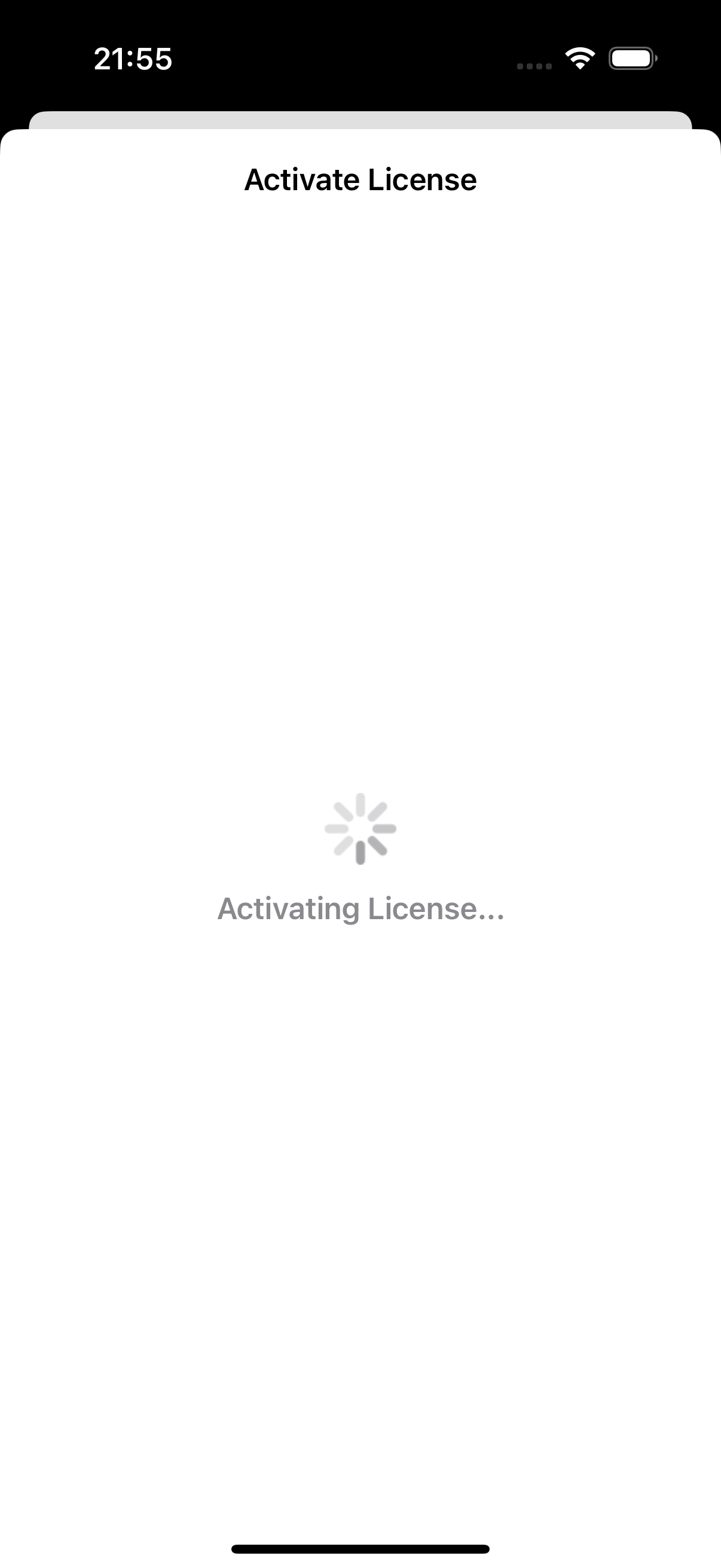
Activating License
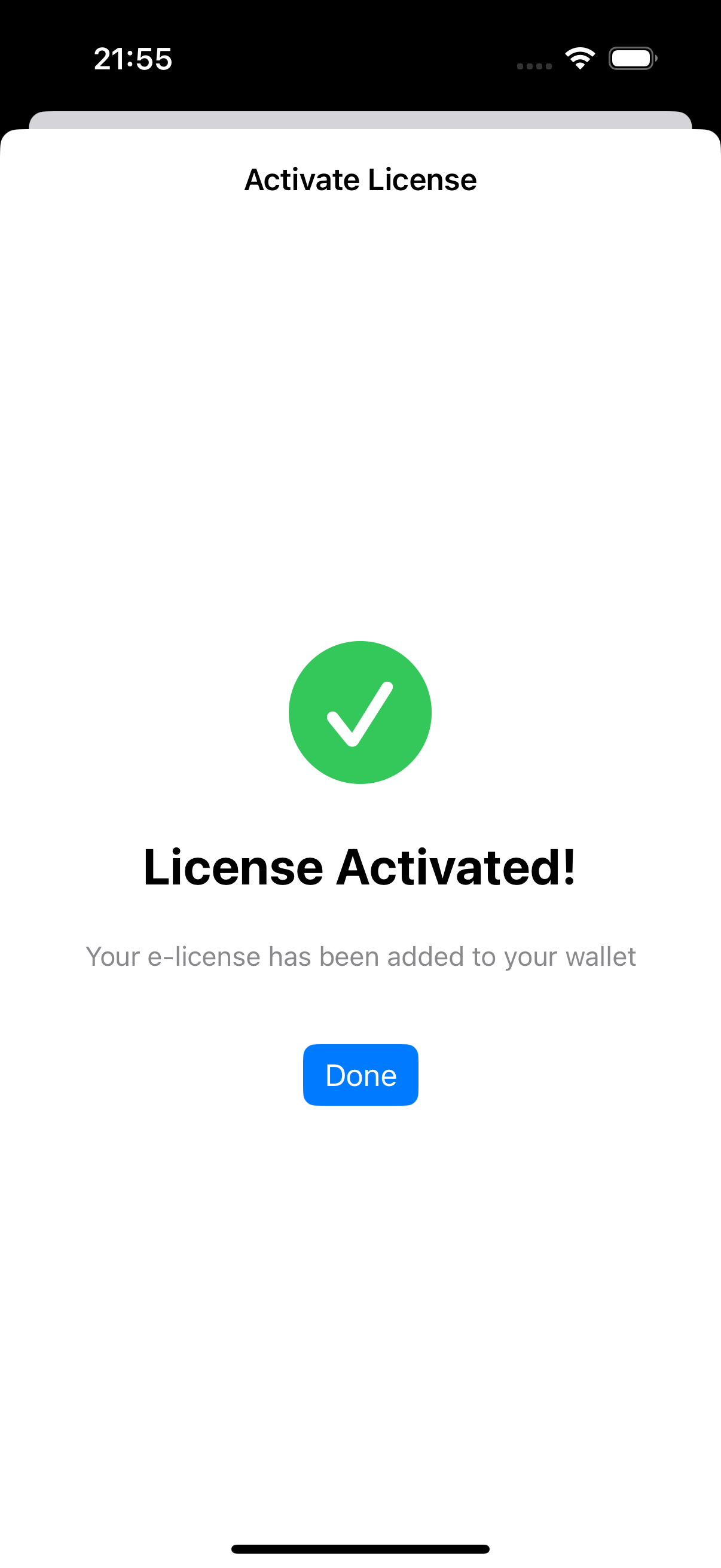
License Activated
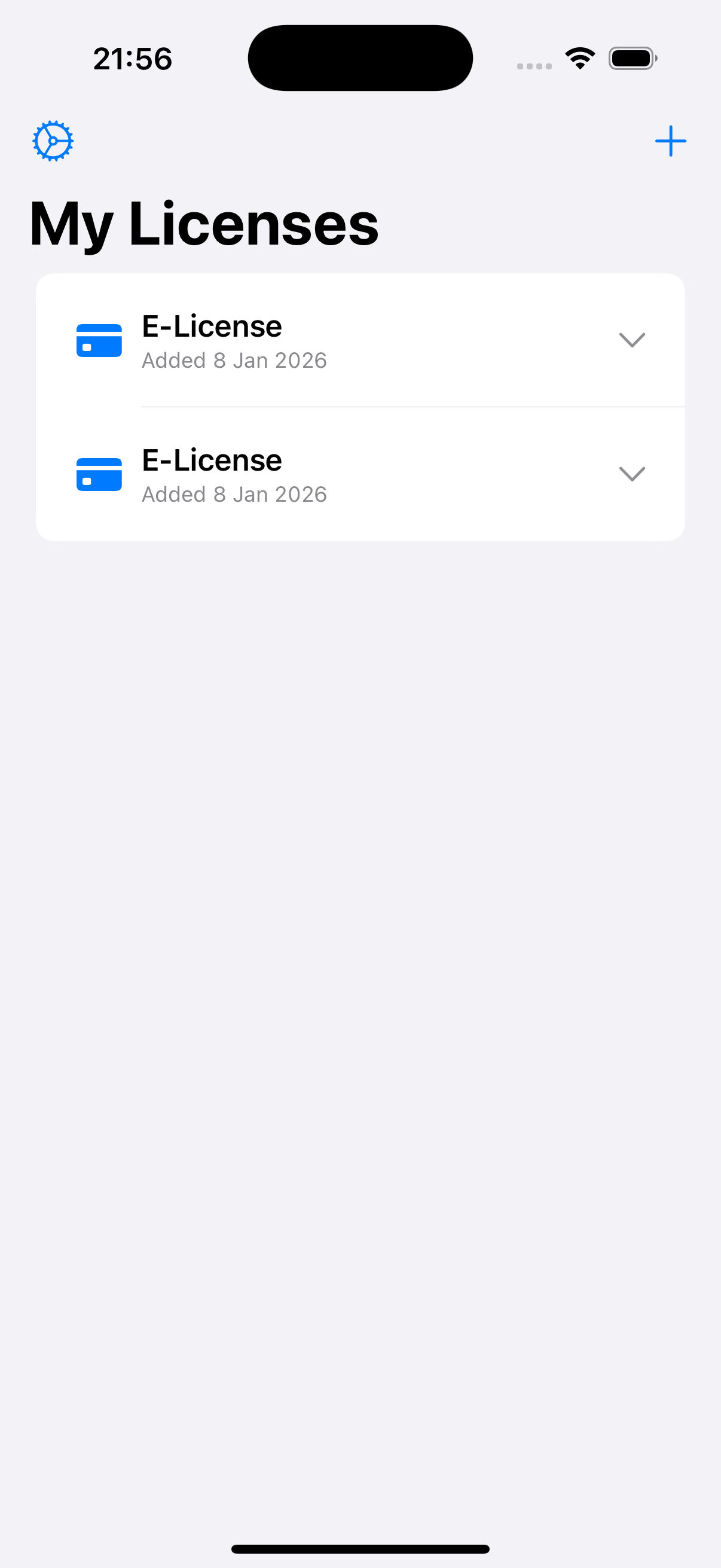
My Licenses
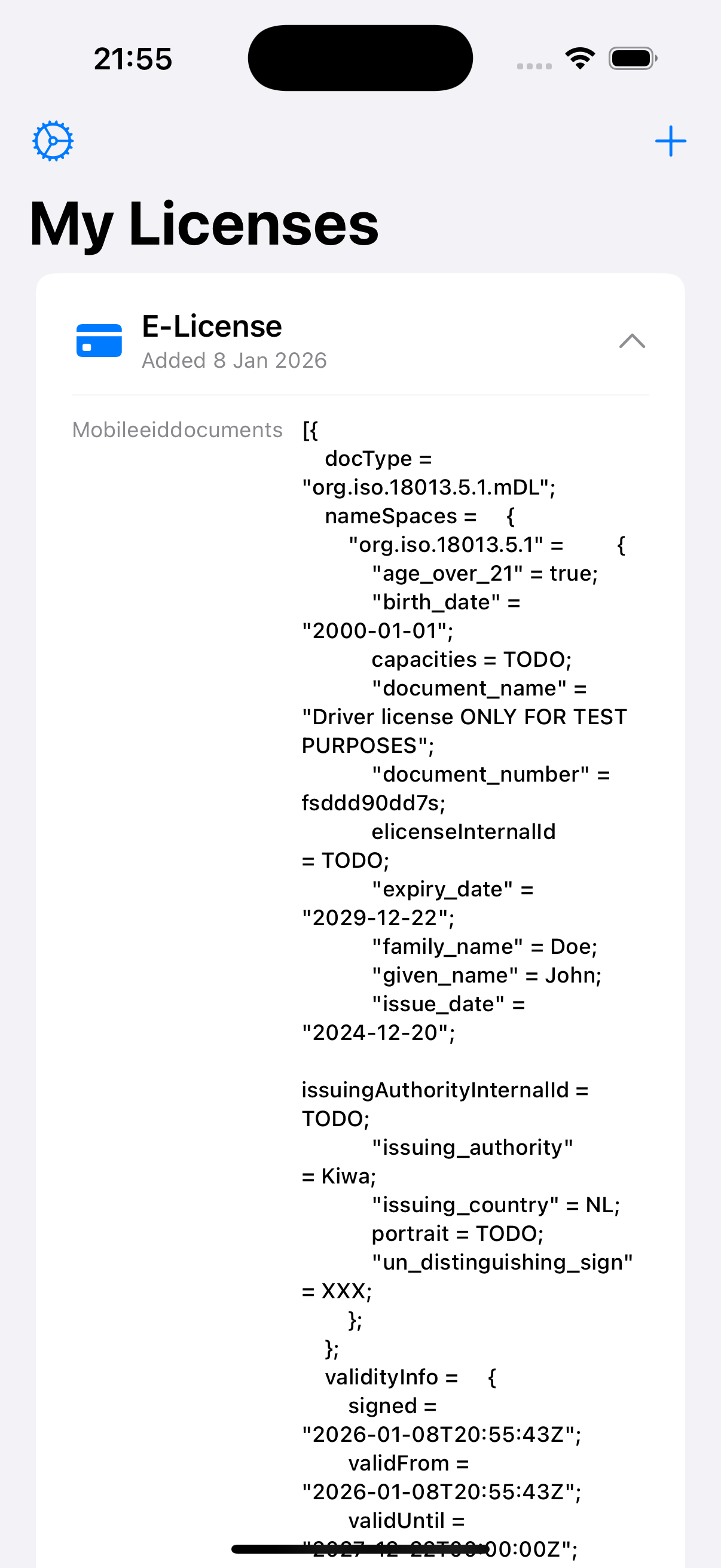
License Details (mDoc)
Architecture
The Swift Simple app uses:
- Pure Swift: Native iOS development with SwiftUI
- KiwaSdk.xcframework: Pre-built framework from the xcframework project
- Apple Keychain: Secure key storage via Keychain Services
- UserDefaults: Simple data persistence
Project Structure
Located at example/holder/swift-sample-app/ in the kiwa-sample repository:
example/holder/swift-sample-app/
├── kiwa-swift-sample.xcodeproj/    # Xcode project
├── kiwa-swift-sample/              # Main app source
│   ├── KiwaSwiftSampleApp.swift    # App entry point
│   ├── KiwaManager.swift           # SDK initialization and management
│   ├── OnboardingView.swift        # First-launch email collection
│   ├── LicenseListView.swift       # Main screen with stored licenses
│   ├── LicenseStore.swift          # License persistence and CBOR decoding
│   ├── PinEntryView.swift          # PIN entry for license activation
│   └── UserPreferences.swift       # UserDefaults wrapper
└── kiwa-swift-sample.entitlements  # Keychain entitlements
Prerequisites
- Xcode 16.2 or later
- iOS 18.2+ deployment target
- KiwaSdk.xcframework (built from the xcframework project or downloaded from Nexus)
- Kiwa SDK Access: Valid subscription credentials
SDK Framework Setup
Before building the Swift app, you need the KiwaSdk.xcframework. See the iOS Installation Guide for detailed instructions on:
- Installing via CocoaPods
- Direct XCFramework download from Nexus
- Building the XCFramework from source
Building and Running
Open in Xcode
cd example/holder/swift-sample-app
open kiwa-swift-sample.xcodeproj
Build via Command Line
xcodebuild -project kiwa-swift-sample.xcodeproj \
  -scheme kiwa-swift-sample build \
  -destination 'platform=iOS Simulator,name=iPhone 16'
SDK Integration Pattern
The Swift Simple app demonstrates a clean SDK integration pattern:
import KiwaSdk

class KiwaManager: ObservableObject {
    let appComponent: KiwaSdkAppComponentMerged

    init() {
        // 1. Configure KMS (Key Management Service) properties
        DefaultPrincipalMapPropertySource.shared.addProperties(map: [
            "test.app.testing.kms.providers.kiwa.id": "kiwa",
            "test.app.testing.kms.providers.kiwa.type": "software",
            "test.app.testing.kms.providers.kiwa.autocreatecertificate": "true",
            "test.app.testing.kms.providers.kiwa.keystore.id": "kiwa",
            "test.app.testing.kms.providers.kiwa.keystore.type": "apple",
            "test.app.testing.kms.providers.kiwa.keystore.keyvisibility": "public",
            "test.app.testing.kms.providers.kiwa.keystore.overwritealias": "true",
        ])

        // 2. Configure tenant/API environment
        DefaultTenantMapPropertySource.shared.addProperties(map: [
            "kiwa.api.environment": "acceptance",
            "kiwa.subscription.key.acc": "your-subscription-key",
        ])

        // 3. Initialize SDK app component
        let application = UIApplication.shared
        self.appComponent = KiwaSdkAppComponent.companion.doInit(
            application: application,
            appId: "my-app",
            profile: "testing",
            version: "1.0.0"
        )
    }

    func setupUserContext(email: String) {
        // 4. Create user context from email
        let tenant = extractDomain(from: email)
        let userInstance = appComponent.userContextManager.createOrGetFromInputs(
            tenantInput: DefaultTenantInputString(tenant: tenant),
            principalInput: DefaultPrincipalInputString(principal: email),
            makeActive: true
        )

        // 5. Create session for API access
        let sessionInstance = userInstance?.sessionContextManager.createOrGetFromId(
            sessionId: "main-session",
            makeActive: true
        )

        // 6. Access Kiwa services
        let kiwaServices = sessionInstance?.getKiwaServices()
    }
}
License Activation Flow
The app demonstrates the complete license activation flow:
- Get Wallet Certificate - Request mTLS certificate for secure communication
- Assign License - Associate license with user using activation code + email
- Confirm License - Verify assignment was successful
- Issue License - Download the license and decode CBOR response
- Store License - Persist locally for offline access
Comparison: When to Use Which
| Criteria | Compose Multiplatform | Swift Simple |
|---|---|---|
| Target platforms | Android + iOS | iOS only |
| Team expertise | Kotlin/KMP | Swift |
| Code sharing | Shared business logic + UI | iOS only |
| Build complexity | Higher (Gradle + Xcode) | Lower (Xcode only) |
| Startup time | Slower (KMP init) | Faster (native) |
| NFC/BLE support | Built-in | Manual implementation |
| Best for | Production cross-platform apps | Simple iOS integrations, prototypes |
Source Code
Both sample applications are available on GitHub:
Repository: github.com/Sphereon-Opensource/kiwa-sample
| Sample | Path in Repository |
|---|---|
| Compose Multiplatform | example/holder/compose-sample-app/ |
| Swift Simple | example/holder/swift-sample-app/ |
| XCFramework build | example/holder/xcframework/ |
The sample app code is released under the Apache 2.0 License, allowing you to use it as a reference for your own implementations.
Troubleshooting
Build Failures
- Verify Nexus credentials are correct
- Ensure you have SDK access permissions
- Check for network connectivity to Nexus
Runtime Errors
- Verify
KIWA_SUBSCRIPTION_KEYis set (Compose app) - Check you're using the correct environment (DEV/TEST/ACC/PROD)
- Review logs for detailed error messages
NFC/BLE Issues
- Enable NFC and Bluetooth in device settings
- Grant required permissions when prompted
- Use a physical device, not an emulator/simulator
Swift App: Framework Not Found
- Ensure
KiwaSdk.xcframeworkis properly linked - Check "Embed & Sign" is selected in build settings
- Clean build folder and rebuild
Next Steps
After exploring the sample apps:
- Review the Getting Started Guide
- Study the Holder Functions for API details
- Check Installation for integration options
- Explore the API Reference