Example app
We provide an example app to demonstrate how to use the Kiwa eLicense Holder SDK and the Identity Development Kit. Although the example app is not meant to be used in production, it does give a complete example of how to integrate the Kiwa eLicense Holder SDK into your application from retrieving the licenses, to verifying, displaying and presenting them to 3rd parties including NFC and QR engagements and BLE retrieval.
Be aware that the example app depends on the Kiwa eLicense Holder Sdk which is proprietary. Please see the install instructions for the Kiwa eLicense Holder SDK.
Some screenshots of the app are shown below:
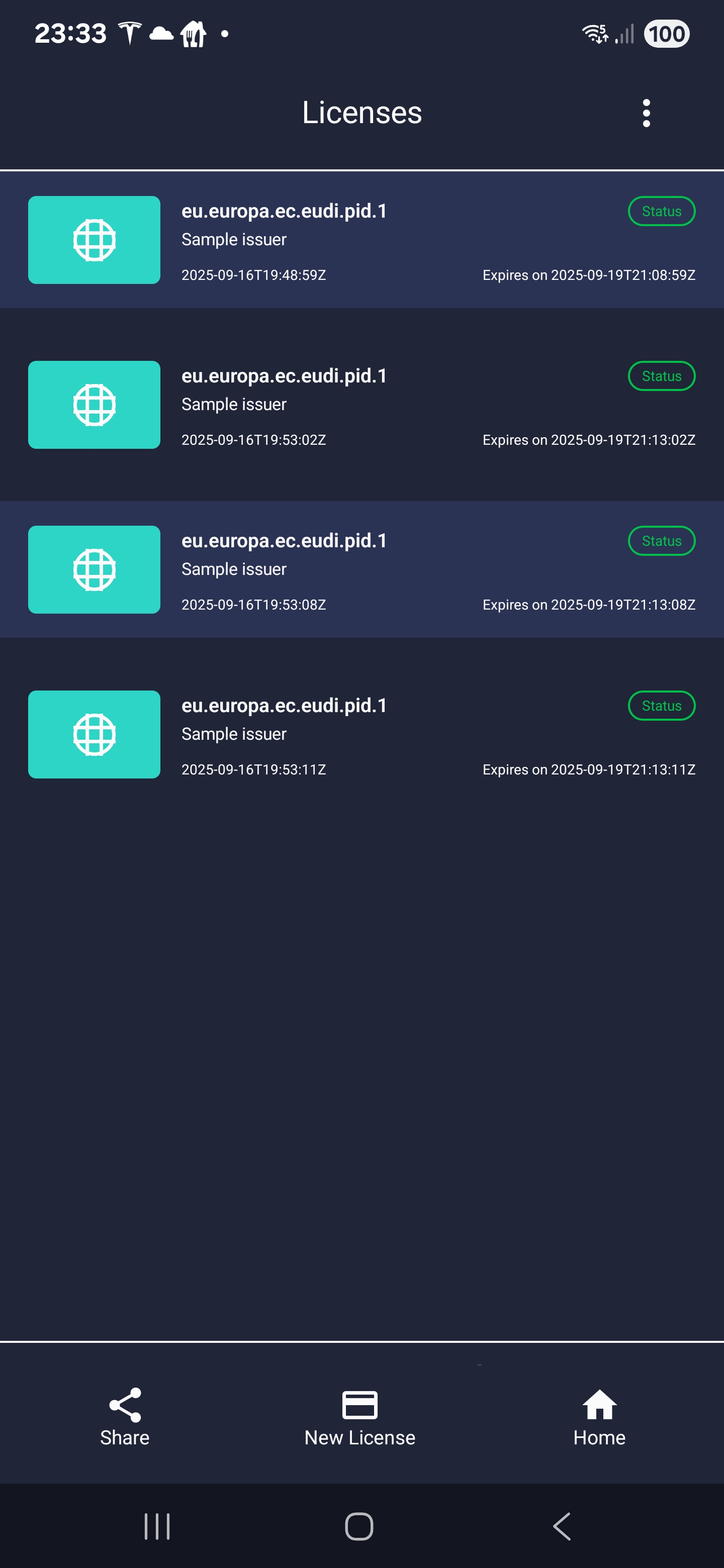
License list
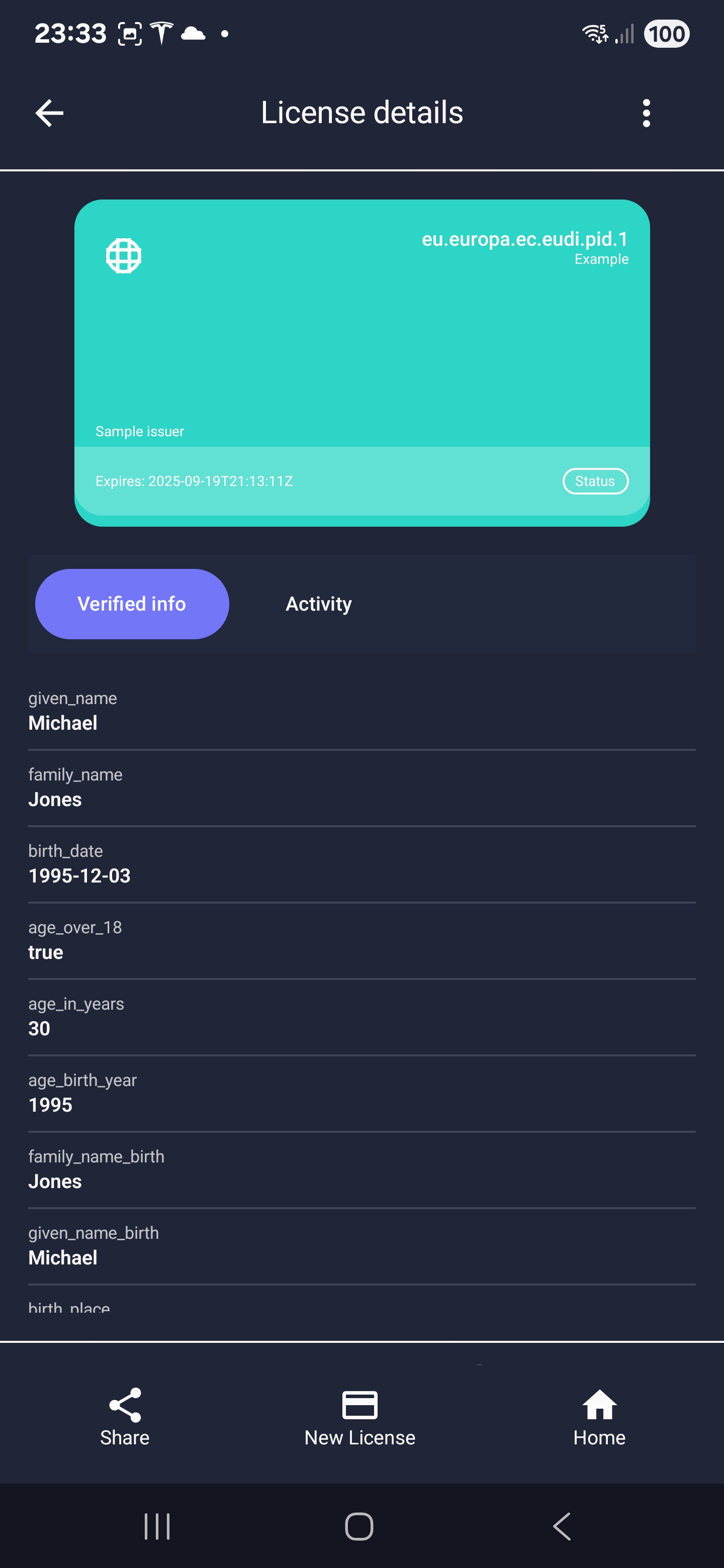
License details
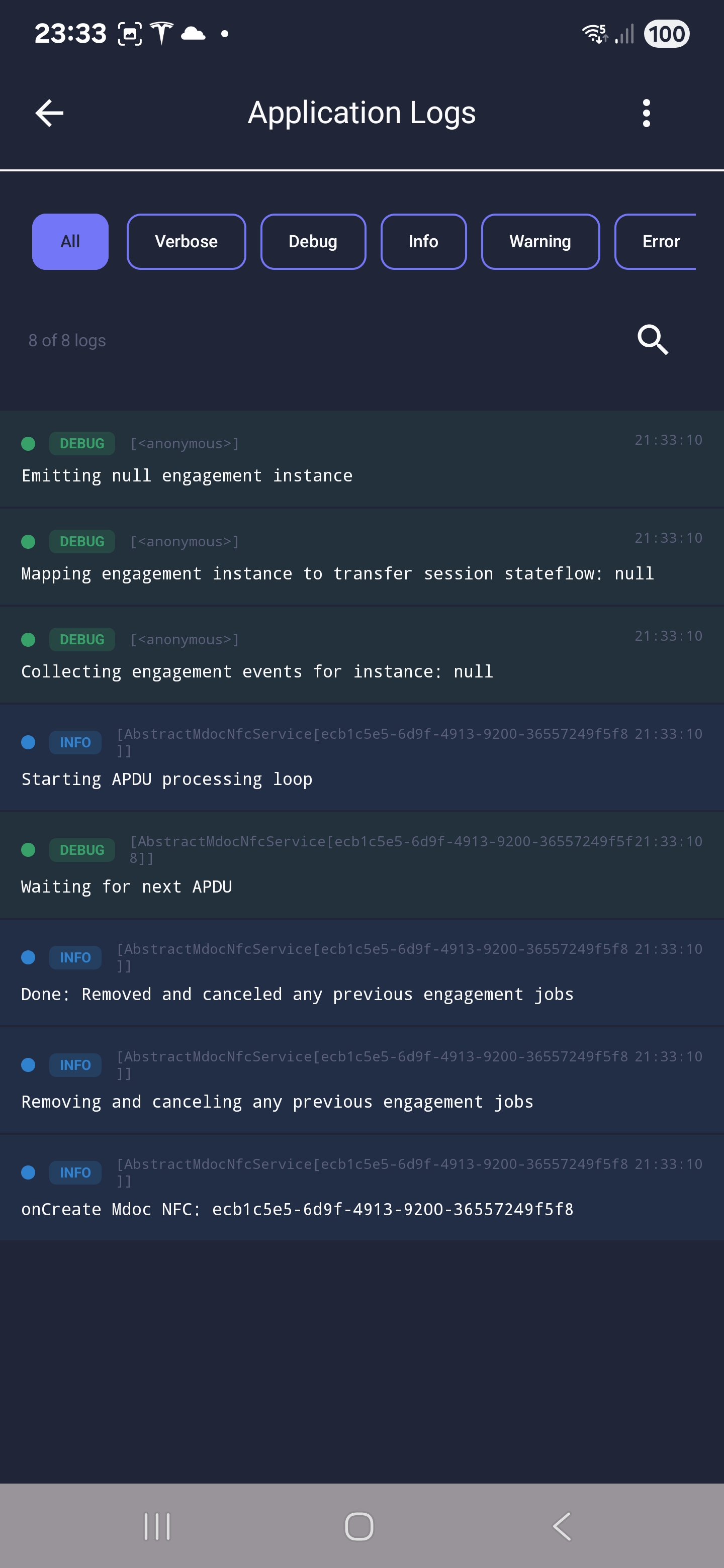
Log view
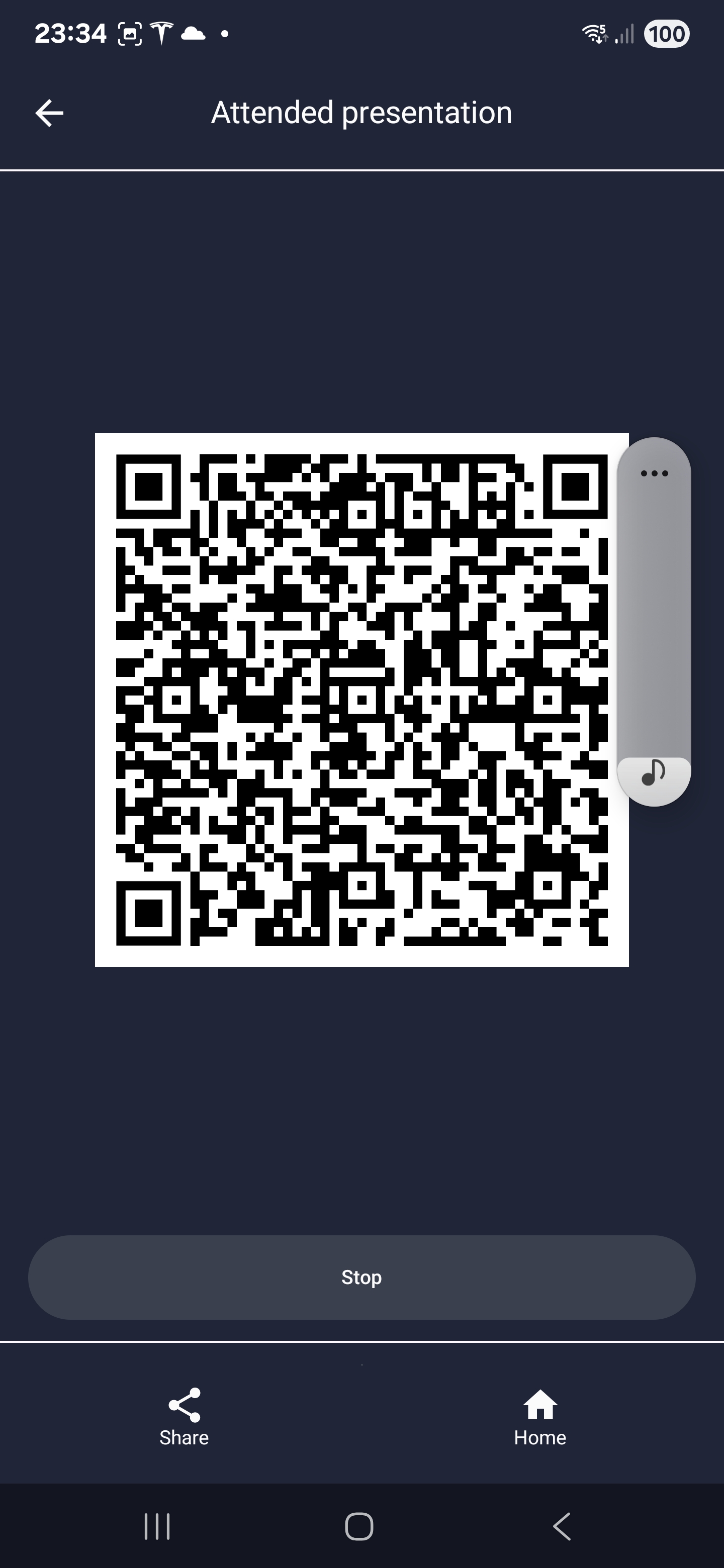
QR engagement
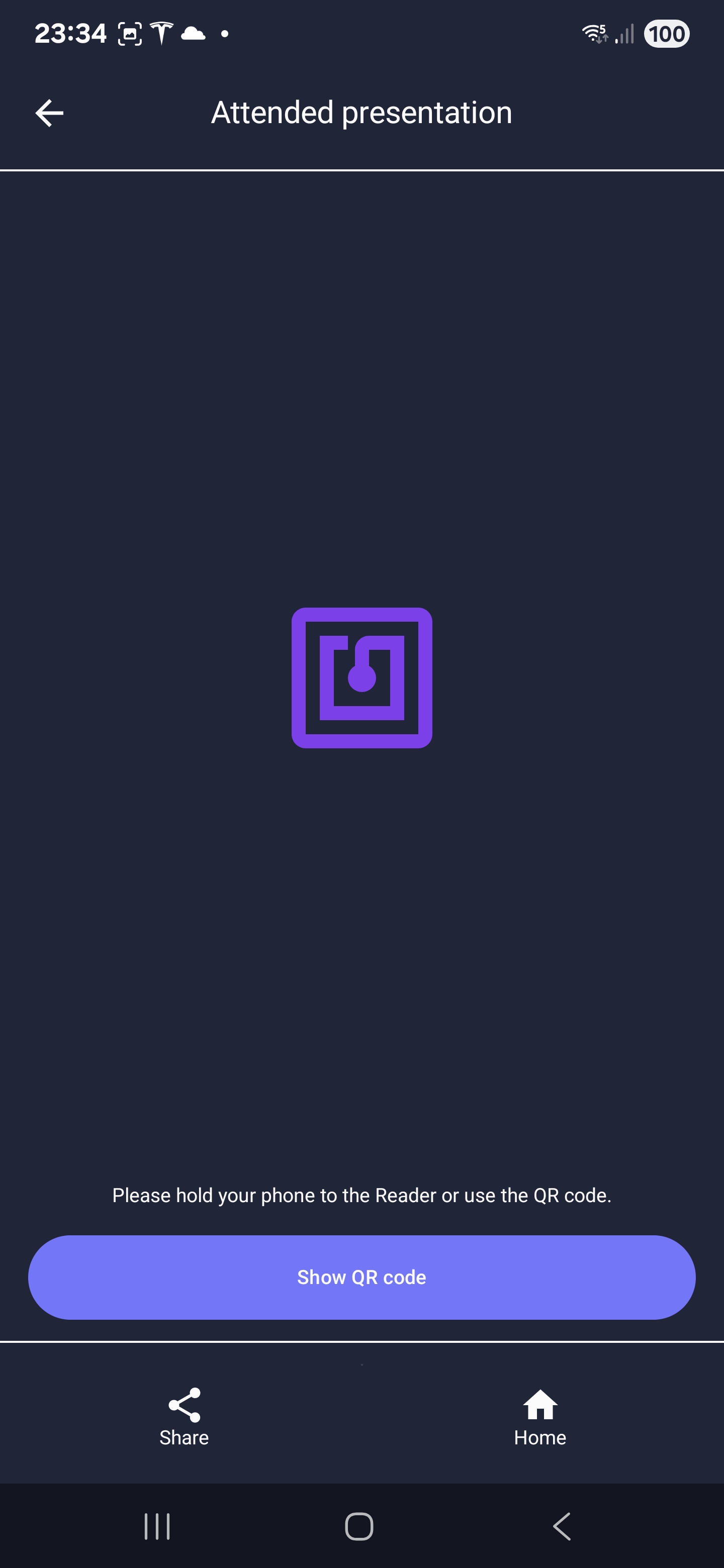
NFC engagement
Source code
The source code for the example app is available on GitHub and the code of the sample app itself is available with an Open-Source Apache2 license.
Running and installing the example app
The example app can be compiled and run using Android Studio, or any other IDE that support Gradle. Make sure you have everything setup to perform Android development, and debugging. That is out of the scope of this document.
.\gradlew clean build installDebug
The sample app now should be installed and your phone should start it automatically.
Although you can use a simulator be aware that attended engagement needs BLE and NFC to work, which is not available in the simulator. So please use a real device!